

Introduction
I see this all the time. You spend hours building a lead magnet PDF. You make it useful. You make it thoughtful. Then it barely moves the needle.
The first instinct is to blame the call to action. So you tweak the wording. You move it to another page. You swap the link. And still, not much changes. It is frustrating, especially when you know the content is solid.
This is about the best call to action inside a lead magnet PDF. But more than that, it is about something most advice ignores. The PDF is not the conversion machine people think it is. The real work happens elsewhere. Once I understood that, I stopped expecting my PDF to do a job it was never built for.
I want you to leave this with a clear sense of what your PDF is actually there to do, what makes a CTA work inside it, and what needs to happen after the download if any of this is going to lead somewhere useful. Because the distinction matters. It changes how you build the whole thing.
Key Takeaways
- Your PDF is an acquisition tool, not a sales page. Its job is to get someone onto your list and warm them up. It is not there to close the sale on its own. When I expect it to do more than that, things start to feel broken.
- The best call to action inside a lead magnet PDF is specific and leads somewhere relevant. I focus on one clear ask, written in plain language, placed at a point that makes sense in the document. That will outperform multiple competing asks every time.
- Most of the converting happens in the follow-up emails, not the PDF itself. I think of the PDF as the start of the conversation. A short sequence of two or three well-timed emails after the download is usually where engagement builds and sales become possible.
- Benefit-led language works better than action-for-action’s-sake phrasing. I spell out what someone will get from clicking. That tends to work far better than a generic prompt to click just because I told them to.
- Your tech setup should be as simple as it needs to be. I do not need impressive automation. I need it to work. The freebie gets delivered, the follow-up sequence triggers, and the system runs without drama.
Read on to see how these pieces fit together and what I would look at first if a current setup was underperforming.
Why Your PDF Isn’t Doing the Heavy Lifting
Let’s just say this properly, because most marketing advice sort of dances around it: the best call to action in the world inside your lead magnet PDF only matters if someone actually opens it. And most people won’t.
That’s not you failing. It’s not a sign your idea’s weak. It’s just how this works in real life.
Your PDF Is a Door, Not a Sales Page
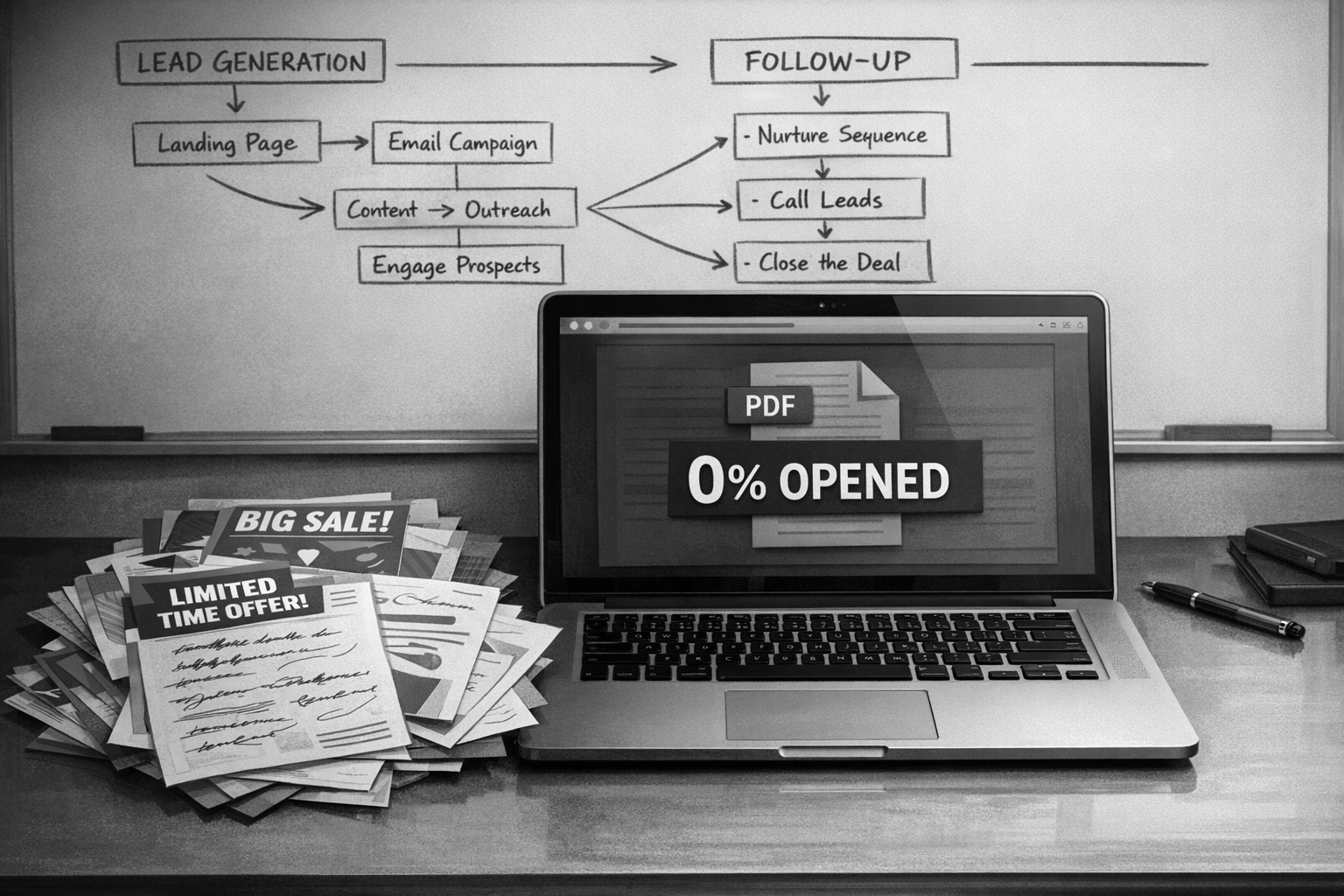
Your PDF is a tool for acquisition, not consumption. It gets someone onto your list. That’s it. It’s not there to close the sale, unpack your entire philosophy, or somehow perform the full job of selling for you.
I see so many coaches and creators pour hours into crafting the perfect PDF — beautifully designed, thoughtful, packed with value — and then quietly ask, “Why isn’t this converting?” Because it was never supposed to convert on its own. The sales don’t happen in the PDF. They happen in the follow-up emails after the lead magnet download. That’s where the real promotion lives.
And I think this is where things get overcomplicated. We try to squeeze everything into one document:
- The pitch.
- The proof.
- The transformation.
- All of it.
An effective PDF call to action doesn’t need to sell. It doesn’t need a big dramatic pitch. It just needs to give someone a reason to stay engaged — maybe to reply, maybe to click, maybe to take a next step that feels natural, not forced.
Once you actually understand how to use a PDF as a lead magnet like this, it gets simpler. You stop asking one document to do five different jobs. And you build a sequence that moves people forward properly, instead of hoping a free download somehow does all the heavy lifting on its own.
Crafting Effective CTAs Within Your PDF
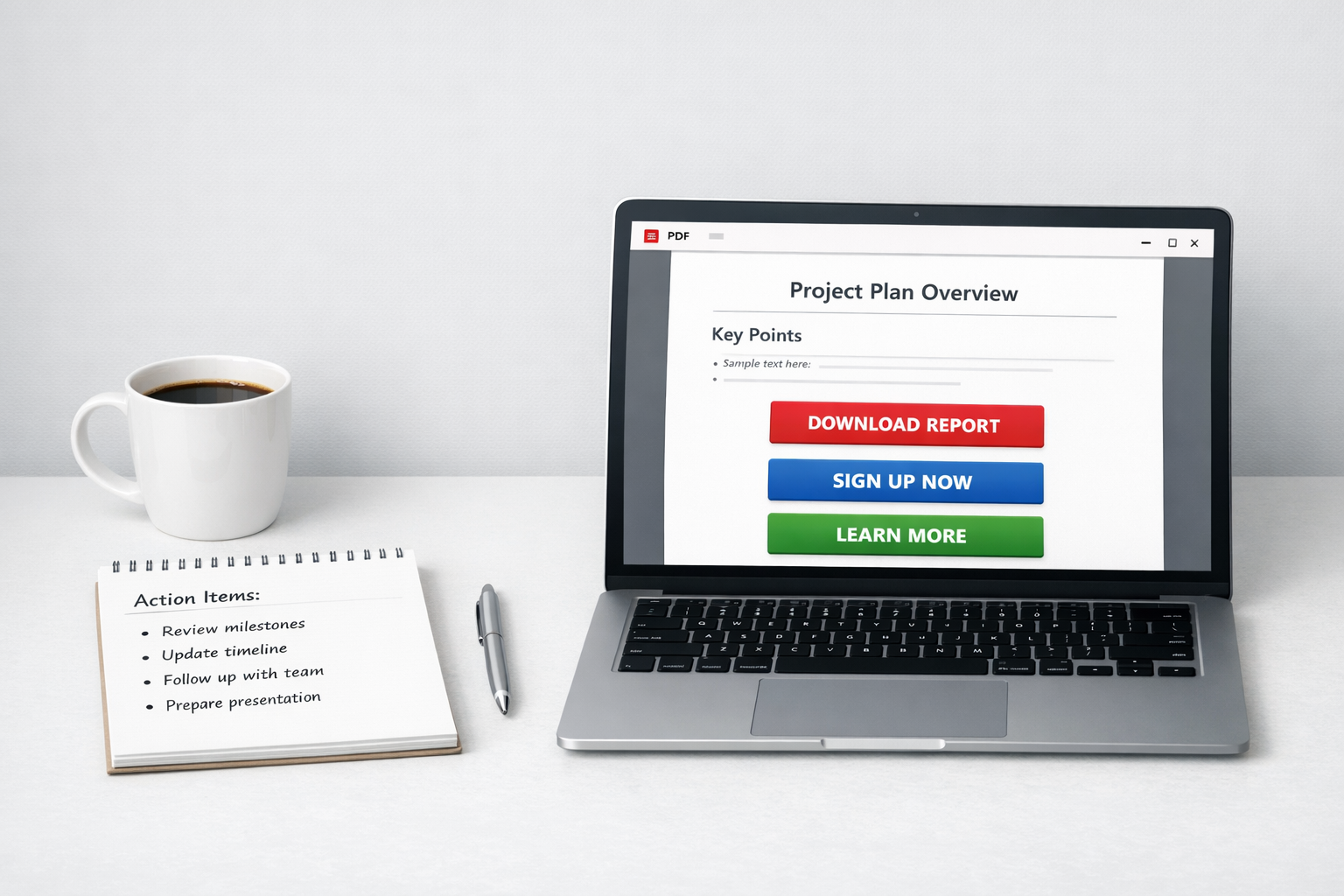
The best call to action inside a lead magnet PDF isn’t some flashy button or a “clever” one-liner. It’s a clear, useful next step that feels obvious after what they’ve just read. That’s it.
Most people massively overcomplicate this. They cram in three different asks, or they hide the one thing that matters under paragraphs of waffle. Then they wonder why no one clicks.
Keep It Simple and Make It Clickable
A strong PDF call to action works because it’s specific, not because it’s persuasive. If someone’s read your PDF, they’re already warm. They don’t need convincing. They need direction. One clear link. One clear ask. One solid reason to take the next step.
The mistake I see all the time is treating the PDF like a brochure instead of a conversation. A brochure talks at people. A good lead magnet talks with them and then says, right — here’s where to go next. Your CTA is basically the natural “what now?” at the end of a useful chat.
Here’s what actually makes a CTA land inside a PDF:
- Use a clickable hyperlink, not a long, messy URL typed out in full
- Write it in plain English — “Book a free call” beats “Schedule your complimentary consultation” every single time
- Place it at a natural pause point, not just dumped on the last page
- Make sure it leads somewhere that genuinely matches what you’ve just talked about
- Stick to one main CTA — two or three competing asks just water everything down
If you’re building your PDF from scratch and want clickable links without wrestling your software, Visme handles that well. Worth a look if your current tool makes simple things feel fiddly. The point isn’t the platform. It’s removing friction so you actually finish the thing and make it functional.
Using a PDF properly as a lead magnet means treating every page like it matters. It’s all intentional space. Decorative filler and big blocks of text just distract from the action you actually want them to take. Short. Useful. Direct. That usually wins — even if it feels almost too simple.
Your PDF doesn’t need to sell everything. It’s not the whole funnel. Its job is to deliver value, build trust, and point to the next step — whether that’s a discovery call, a product page, or a follow‑up email sequence after the download. Keep the CTA honest. Keep it simple. And please, make it easy to click.
The Real Work: Follow-Up Emails That Convert
The call to action inside your lead magnet PDF gets a lot of attention — and fair enough. But here’s the honest bit: the PDF rarely closes the deal. It just doesn’t. The follow-up sequence that drops into someone’s inbox after they download? That’s where most of the real converting happens.
Why Follow-Up Emails After Lead Magnet Download Do the Heavy Lifting
When someone downloads your lead magnet, they’re curious — not committed. There’s a big difference. A thank-you page and a short email sequence catch them while that curiosity is still warm. And timing like that matters more than most business owners realise.
You can have the most beautifully written, perfectly crafted call to action in your PDF. But if they close it and get pulled back into their day, that moment’s gone. An email that arrives later that afternoon — or the next morning — brings them back to the offer without you relying on them to remember it. That’s not manipulation. It’s just sensible timing.
A lot of business owners treat follow-up like an afterthought. One generic “thanks for downloading” email and… done. Tick. But A/B testing data has shown again and again that brief, intentional sequences — even just two or three emails — outperform a single touchpoint when it comes to engagement and conversions. Brief doesn’t mean rushed. It means focused. There’s a difference. If this is where the conversion actually happens, then the system delivering those emails matters. It needs to run automatically, reliably, and without turning into a side project you never quite finish.
What a Simple Follow-Up Sequence Actually Looks Like
A solid sequence for lead magnet email promotion doesn’t need to be clever. It doesn’t need to be elaborate. It needs to be relevant, well-timed, and clear about what happens next:
- Email one — Deliver the download link (or confirm access), set expectations, and share one useful thought connected to what they’ve just received
- Email two — Speak to the most common problem your lead magnet highlights, and introduce your paid offer as the natural next step
- Email three — Address a common hesitation or objection, and include a clear, low-pressure call to action
That’s it. Three emails. Selling through lead magnets works when the sequence feels like a continuation of the conversation — not a sudden pitch that comes out of nowhere and makes everyone uncomfortable.
If you’re wondering how to use a PDF as a lead magnet effectively, this is really it: the PDF earns attention, and the emails earn trust. On their own, neither finishes the job.
Choosing a Tool That Won’t Make This Harder Than It Needs to Be
For most small business owners, the automation question comes down to two practical options. GoHighLevel makes sense if you want your lead gen form, follow-up sequence, and CRM all in one place — fewer moving parts means fewer things breaking. AWeber is a leaner option if all you need is dependable email automation without layering on a full system.
Neither tool is magic. The tool isn’t the point. What matters is that you set the sequence up, check it works, and actually leave it running. A simple automation that’s live and consistent will outperform a complicated one you’re still “perfecting” six months later. Every time.

Crafting Irresistible Email CTAs
The best call to action inside a lead magnet PDF isn’t some clever bit of copywriting wizardry — it’s a clear, benefit-led nudge that tells your reader exactly what to do next and why it matters to them. That’s it. No theatrics. Most business owners either hide the CTA right at the bottom like it’s an afterthought, or they write something so vague (“click here to find out more”) that no one actually does. Neither works. And I think we all know that, if we’re honest.
Lead With What They Get, Not What You Want
The most effective PDF call to action focuses on the reader’s outcome, not your product. “Get the template” converts better than “download now.” “Start saving time this week” converts better than “sign up.” It’s a small shift, but it matters. Benefit-led copy consistently outperforms action-for-action’s-sake language — because people aren’t motivated by clicking. They’re motivated by what clicking gets them.
Urgency is the other lever worth pulling — carefully. When it’s real (a closing enrolment window, a limited batch, a genuinely time-sensitive offer), it can lift click-through rates fast. When it’s manufactured, readers feel it straight away. And once that trust slips, it’s hard to get back. Conversions aren’t worth that trade.
Simple Tweaks That Actually Move the Needle
Personalisation doesn’t have to mean complicated tech or merge tags scattered everywhere. Even writing “if you’re a service-based business owner, this is for you” creates a flicker of recognition. A pause. That sense of “oh, this is actually relevant to me.” That’s the moment that bridges reading and acting.
Your follow-up emails after someone downloads the lead magnet are part of this too — the CTA inside the PDF doesn’t exist in isolation. It’s the first step in a short, connected sequence where each touchpoint points to the same next move. I think this is where a lot of businesses overcomplicate it. Selling through lead magnets isn’t about shouting louder at every stage. It’s about keeping the thread intact. Same outcome. Same promise. Same direction.
Keep the language consistent. Keep the benefit front and centre. Make it easy — genuinely easy — to say yes.

Simplified Tools for Email Automation and Success
The best call to action inside a lead magnet PDF is only as powerful as what happens next. If your follow-up system is clunky, delayed, or just… not there, even the strongest CTA falls flat. Getting the tech right doesn’t mean building something clever. It means choosing tools that actually fit the way you work.
Stop Overbuilding Your Email Setup
A lot of business owners assume they need some elaborate system to run effective lead magnet email promotion. They don’t. You need a reliable way to send a welcome email, deliver your freebie, and trigger a short follow-up sequence. That’s it. To start with, anyway.
Most of the time, the issue isn’t missing features. It’s picking tools that require more technical brainpower than the task deserves… then quietly avoiding the whole thing because it feels like too much. Overwhelm isn’t a strategy. It’s usually a sign you’ve overbuilt.
If you want something that handles simple sequences without turning into a tech project, AWeber is built for exactly that. You can set up your welcome email, add two or three follow-ups, and let it run. No duct tape. No complicated integrations you don’t need.
Two Tools Worth Knowing About
If you’re a creator or coach who wants straightforward multi-step automations without needing to think like a developer, AWeber is a solid place to begin. It handles newsletters, automated sequences, and basic segmentation without drama. If your priority is getting follow-up emails after lead magnet download flowing properly — not building something that looks impressive but never actually runs — it does the job.
GoHighLevel sits at the other end. It rolls CRM, email, landing pages, and pipeline management into one platform. That’s useful if you’re already juggling five different tools and you’re fed up with the chaos. But it comes with a learning curve. And I think it’s worth asking yourself, honestly, whether you need that level of integration right now — or whether it just sounds productive.
These two tools serve different stages and different needs:
- AWeber — best for straightforward email sequences, newsletters, and simple automations when you’re starting out or keeping things lean
- GoHighLevel — better suited to business owners managing client pipelines, booking systems, and multiple touchpoints who want everything connected
Neither tool magically fixes your strategy. Knowing how to use a PDF as a lead magnet effectively still comes down to the quality of your offer, the clarity of your CTA, and how relevant your follow-up is. The tech just delivers what you’ve decided to say.
Connect Your Lead Generation Landing Page to Everything
Whichever tool you choose, your lead generation landing page needs to feed straight into your automation. No manual steps. No copying and pasting email addresses like it’s 2009. When someone downloads your PDF, the sequence should start immediately.
That first email sets the tone for selling products through lead magnets naturally. A delay, or a broken link, can quietly undo a lot of good work. And often you won’t even realise it’s happening.
The goal is simple: PDF delivered, sequence triggered, relationship started. Keep your tech stack as small as it can be while still doing that job reliably. Complexity doesn’t make your effective PDF call to action stronger. Consistency does.

Sources:
Visme (Visme, 2026)
Related posts you might find helpful: