
Introduction
I see this problem come up a lot. You duplicate a funnel in Go High Level. On the surface it looks fine. Then forms stop firing, automations half-work, and leads vanish somewhere you can’t see. Cloning a funnel sounds simple. In practice, it often turns into a quiet mess if you don’t understand what’s actually being copied and what isn’t.
This piece breaks down where funnel cloning usually goes wrong and how to fix it without sinking hours into debugging. I walk through what Go High Level really duplicates when you hit “clone”, what always needs reconnecting by hand, and how I think about testing a funnel properly without turning it into unpaid admin work.
Key Takeaways
- When I clone a funnel in Go High Level, I assume only the visual structure comes across cleanly. Automations, workflows, and data routing almost always need manual reconnection.
- The most common break points I see are form redirects still pointing at the original pages, workflows triggering on the wrong path, email sequences tied to old campaign IDs, and metadata that never updated.
- I test a cloned funnel like a real human would, not in preview mode. That means using a test email address and completing the whole journey to spot issues before anything goes live.
- I don’t clone every funnel. I only duplicate funnels that are simple, tidy, and self-contained. If something isn’t working properly, cloning it just spreads the problem.
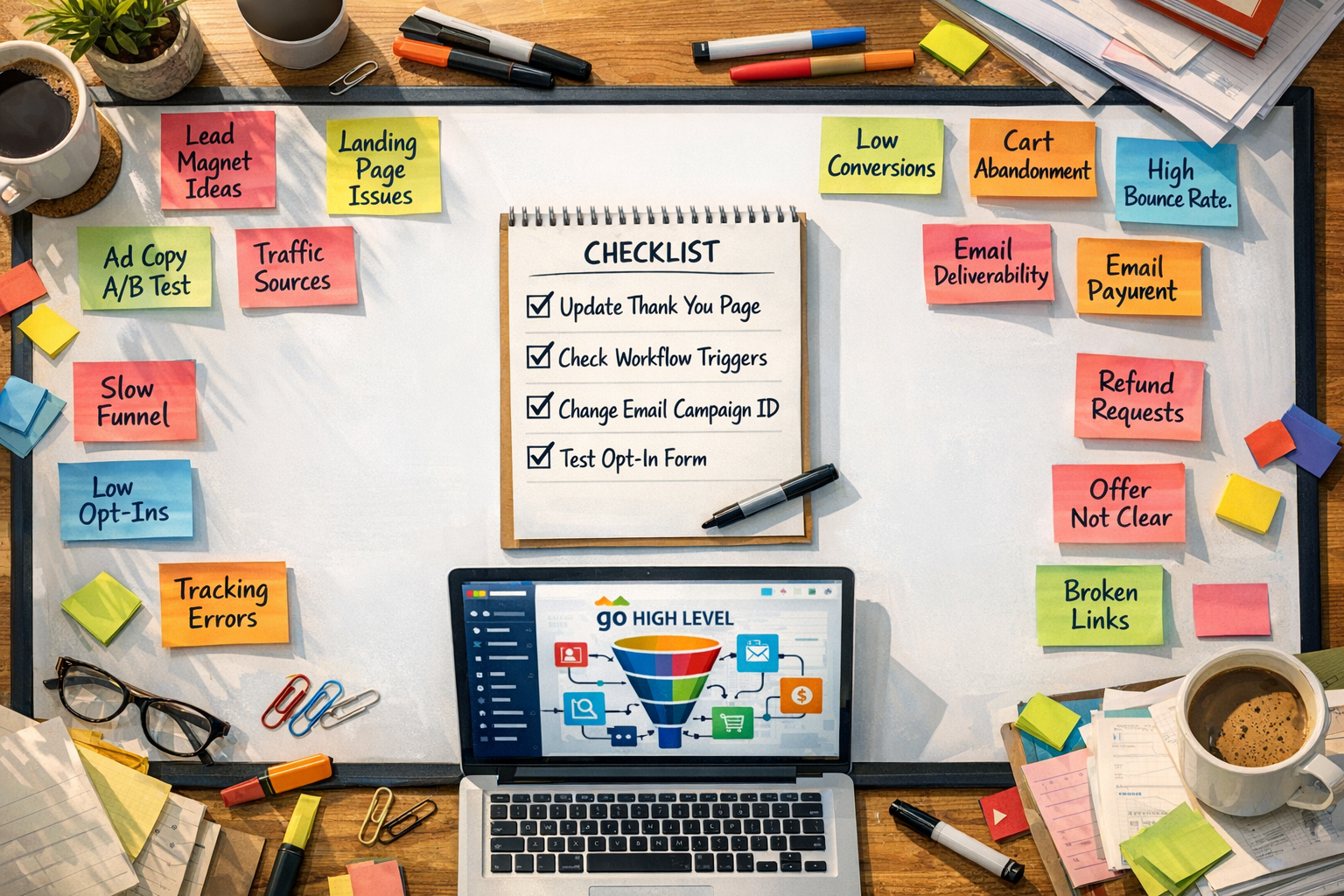
- I rely on a short QA checklist every time I clone a funnel. It saves me from that annoying moment where everything looks right but nothing is actually happening.
I don’t think the goal with funnel cloning is to avoid work altogether. It’s about being realistic with time and building systems that behave predictably, without piling on complexity for no good reason.
How to reuse a funnel without rebuilding the whole thing
Let’s get one thing straight: knowing how to clone a funnel in Go High Level isn’t lazy. It’s sensible. If you’ve already built something solid, rebuilding it from scratch every time isn’t noble. It’s a waste of time. I’m not interested in that, and I’m guessing you aren’t either.
That said — and this matters — not everything deserves to be cloned. Duplicating a messy funnel just gives you more mess. Same problems, now in multiple places. Which somehow feels worse.
What makes a funnel worth cloning?
Funnels that are actually reusable tend to have three things in common. They’re lightweight, clean, and self‑contained. Lightweight means they load fast and don’t have random extras bolted on. Clean means the structure makes sense when you open it up, not three minutes of “wait, what does this even do?”. Self‑contained means it’s not hanging off a web of external tools that all need babysitting.
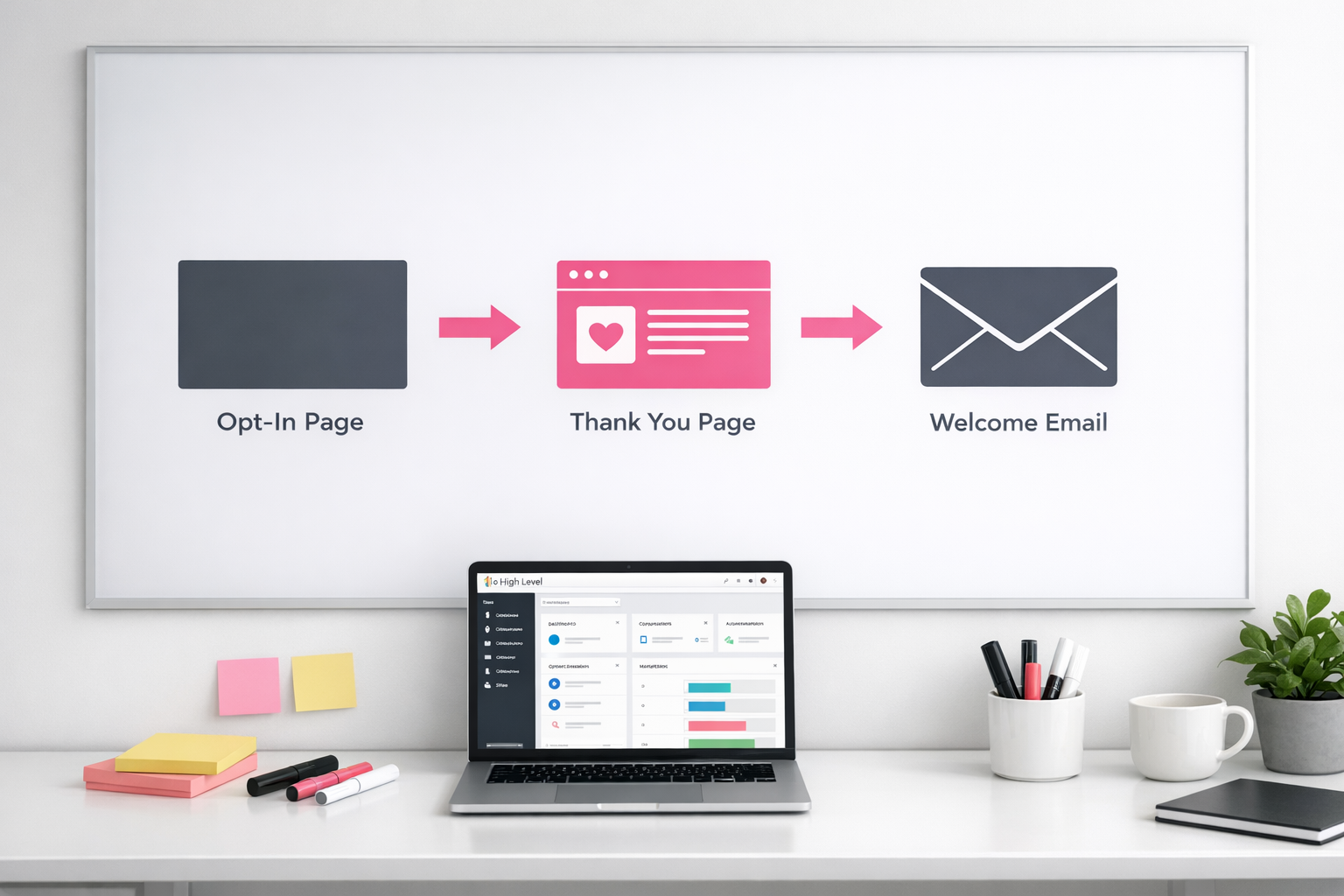
That’s why my base funnel template sticks to a very simple flow: Opt‑in page → Thank You page → Welcome email. Nothing clever. Nothing fragile. And because of that, it’s easy to duplicate a funnel in Go High Level without things quietly breaking in the background.
When NOT to clone a funnel
If the original funnel isn’t performing yet, stop. Don’t clone it. Fix the problem first, then reuse it. I think people underestimate how fast issues multiply once you start duplicating. So here’s the rule I stick to: never multiply what isn’t working.
When you’re preparing to reuse funnels in Go High Level, run through this list before you duplicate anything:
- Automations: Double‑check triggers still make sense in the new context
- Forms: Make sure fields are standard, not oddly customised to one campaign
- Emails: Update the content so it actually matches the new offer or audience
- Tracking: Reset or prep conversion tracking so you’re not mixing data
- Connections: Review any third‑party integrations that may need reconnecting
Most Go High Level funnel cloning issues come back to these connections and dependencies. It often feels like the funnel itself is broken, when really it’s just tied to too many things outside it. The more self‑contained your original funnel is, the calmer your life will be.
If you want to make this whole process easier, you can download my “Simplified Funnel Builder” worksheet. It’s designed to help you build funnels that are clone‑ready from day one — which, honestly, saves a lot of debugging later.
What Actually Happens When You Clone a Funnel in Go High Level
If you want to understand how to clone a funnel in Go High Level, you need a clear picture of what’s actually going on when you hit duplicate. Because it’s not a clean copy-paste job. And honestly, that misunderstanding is where most funnel cloning messes start.
Cloning a funnel in Go High Level is more like copying the bones, not the whole body. The shape is there. It looks right. But the systems that make it move and respond? They’re not automatically connected.
The Anatomy of a Cloned Funnel
When you clone a funnel, Go High Level duplicates the pages and the visual layers, but it leaves the automation side disconnected. So yes, the funnel looks the same, but it’s not set up to behave the same way.
The workflows that make your original funnel work don’t automatically hook themselves up to the new one. This is usually where things quietly fall apart. The funnel exists, but it isn’t actually doing what you think it’s doing.
Emails, forms, and tracking often stay attached to the original funnel unless you deliberately move them. Which means your “new” funnel can still be sending leads to the wrong place, triggering the wrong automation, or just… nowhere useful at all.
What Carries Over (And What Doesn’t)
Here’s what does transfer automatically when you clone a funnel in Go High Level:
- Page layouts and design elements
- Content and media
- URL slugs (which you’ll probably want to change)
- Form fields (though not always where the data ends up)
- Basic page settings and metadata
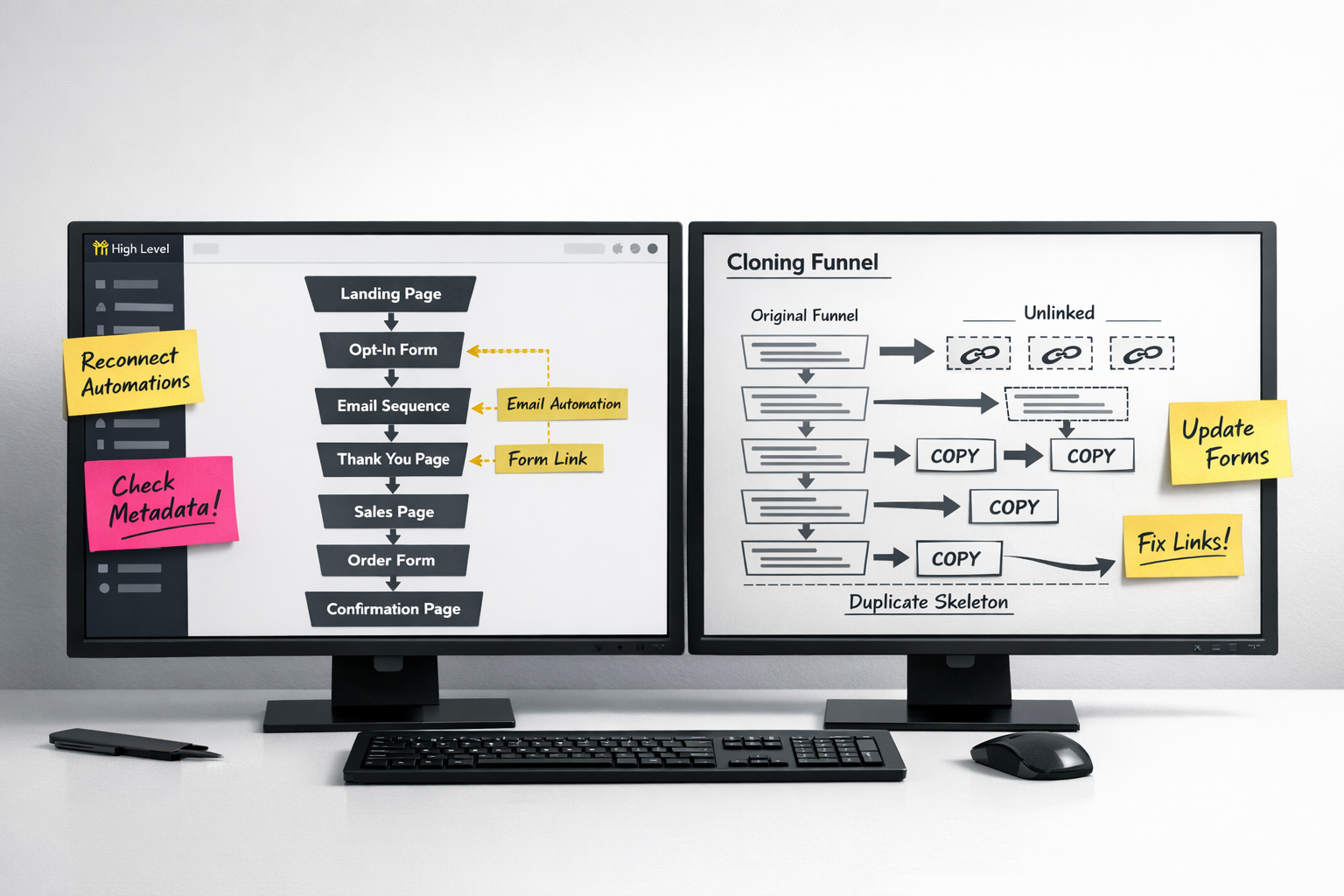
What doesn’t come with it are the parts that actually make the funnel function. The automation triggers, workflow connections, and data routing all need to be reconnected manually. And that’s exactly why understanding how to properly clone a funnel in Go High Level matters more than people expect for day-to-day marketing operations.
The 4 most common break points (and how to fix them)
When you’re learning how to clone a funnel in Go High Level, it’s rarely the big stuff that breaks it. It’s the tiny, quietly annoying details. And honestly, this is where most people trip up. Everything looks cloned correctly… and then leads just vanish. No errors. No warning. Just gone.
Let’s go through the four most common break points and the fixes that actually work.
1. Form redirections pointing to the original funnel’s Thank You page
This one shows up constantly. You clone the funnel, but the forms are still sending people to the old thank you page. So someone fills in a form for Product B and ends up on a page about Product A. Not ideal.
To fix it:
- Open each form in your cloned funnel
- Check the “After Submit” settings
- Update the URL so it points to the new thank you page
- Test the whole flow properly, not just the form itself
It’s a five-minute check. And skipping it creates a weird, trust-breaking experience that’s completely avoidable.
2. Workflow triggers firing on the wrong path
Workflows are the engine room. And they’re also annoyingly clingy when you clone a funnel. They like to hang on to the original setup unless you force them to let go.
When you’re troubleshooting Go High Level funnel cloning issues, this is non‑negotiable:
- Review every workflow connected to the funnel
- Make sure triggers point to the new forms and pages
- Check “when contact submits form” conditions are using the correct form IDs
- Update any path or URL conditions to match the new funnel structure
If you don’t, you get the classic problem: someone registers, and then… nothing. No confirmation email. No follow‑up. Just silence.
3. Email sequences tied to original tags or campaign IDs
Email sequences often look fine at first glance. Then you realise they’re still tagging people for a campaign that ran months ago.
After cloning, check:
- All email sequence triggers
- Any campaign-specific tags (yes, rename “Webinar‑Jan” to “Webinar‑Mar”)
- Automation rules applying tags behind the scenes
- Enrollment conditions so they actually match the new funnel’s goal
This isn’t fancy work. It’s basic hygiene. And it stops leads being dumped into the wrong journey without you noticing.
4. Metadata and links forgetting to change
This is the sneakiest one. Everything appears to work. But underneath, the old stuff is still there.
Go back and check:
- All buttons and text links on every page
- Hardcoded URLs inside email templates
- Page titles, meta descriptions, and OG tags
- Any UTMs or tracking IDs tied to the previous campaign
These invisible leftovers can quietly wreck your tracking or send people somewhere outdated. It often feels like nothing’s wrong until your numbers stop making sense.
Each of these break points is simple to fix. That’s the frustrating part. They’re also very easy to miss unless you slow down a bit and check properly. I think this is why the most reliable Go High Level funnel duplication advice always lands in the same place: use a proper QA checklist every single time.
Don’t try to memorise this. Bake it into your process. When you know how to reuse funnels in Go High Level properly, you save hours of pointless troubleshooting—and you keep the experience clean for the people coming through your funnel.
How to test a cloned funnel without overcomplicating it
Once you’ve cloned a funnel in Go High Level, the next step is testing it. Not agonising over it. Not building a whole process around it. Just testing it properly without turning it into a project.
A lot of people either skip this bit entirely or make it weirdly complicated. There’s a middle ground. It’s simple, fast, and it tells you what you actually need to know.
The 5-minute funnel test anyone can do
You don’t need a QA team. You don’t need a spreadsheet. You need a test email address and a few minutes where you actually pay attention.
That’s it.
This kind of quick test will catch most of the things that break when a funnel is cloned. Not everything, but enough to stop obvious problems going live.
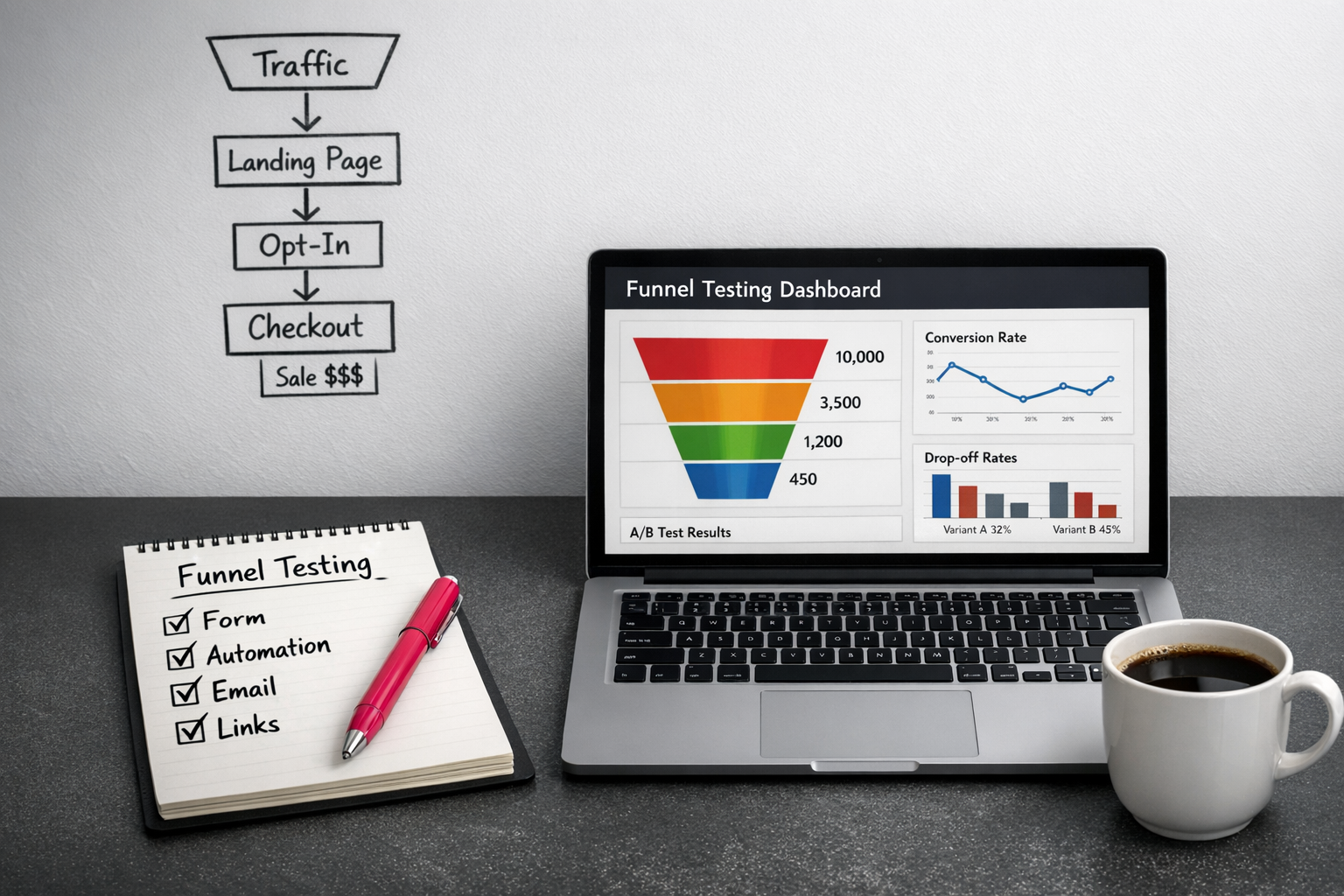
Here’s the checklist I use for any cloned funnel:
- Form submission: Fill in the form with test details and make sure it actually submits
- Automation triggers: Check the right workflow fires when it should
- Tag application: Confirm your test contact gets the correct tags
- Email delivery: Make sure every email in the sequence lands in your inbox
- Link functionality: Click every link, yes, all of them
- Meta elements: Double-check page titles and metadata reflect the new funnel
The biggest mistake I see is people trusting the preview mode. Preview is fine for layout, but it doesn’t tell you if automations, emails, or triggers actually work. It’s not real-world testing. It’s theatre.
If you want to know whether your funnel works, you have to test the live version like a human would.
Test as a real user, not as an admin
Create a test contact using a real email address you can check. Then go through the funnel start to finish as if you’ve never seen it before.
This is where things often feel… slightly off. Or broken. Or just not doing what you expected.
Admin views hide problems. The builder interface is neat, but it lies by omission. User-style testing shows you what actually happens.
Pay close attention to welcome emails and the handoff points between steps. These are the bits that tend to break when funnels are duplicated, especially in Go High Level. Small misfires here can quietly wreck the whole experience.
Testing shouldn’t feel like a chore. It’s just part of launching something responsibly. In my experience, building it in as a non-negotiable step when you reuse funnels saves a lot of backtracking later and avoids confusing people unnecessarily.
And no, the aim isn’t perfect. It’s functional. You’re checking that the funnel can do its basic job without falling over. That’s it. Fix the obvious issues, move on, and keep things moving without drowning in unnecessary complexity.
When to template vs when to build from scratch
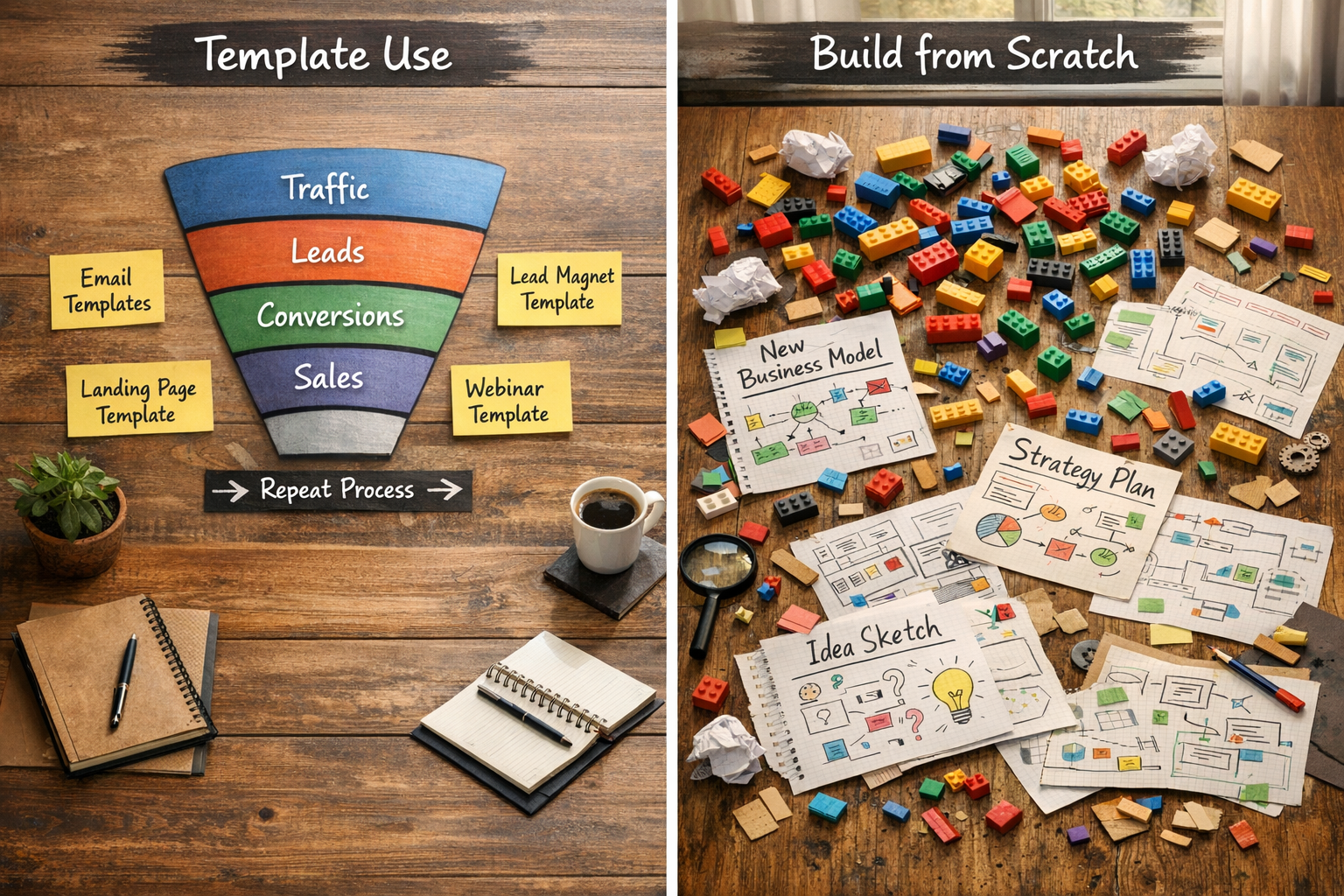
Knowing how to clone a funnel in Go High Level is useful. No argument there. But knowing when to clone versus when to start fresh is just as important, maybe more so. Get this wrong and you either waste hours fixing something that never really fit, or you quietly keep repeating a strategy that isn’t pulling its weight anymore. Here’s how I think about the split.
Clone when the structure serves you well
Cloning makes sense when the bones of the funnel are solid. If you’ve got a webinar registration flow that converts consistently, or a lead magnet setup that just… works, then yes. Duplicate it. That’s not lazy. That’s sensible.
Most Go High Level funnel duplication advice boils down to this anyway: copy what’s already proven instead of overthinking it.
Templating usually works well for things like:
- Standard lead magnets with the same delivery logic
- Webinar or workshop registration sequences
- Product launch funnels that follow a familiar conversion path
- Newsletter signup flows
- Appointment booking sequences
If the journey stays largely the same, there’s no prize for rebuilding it from zero every time.
Build fresh when your strategy shifts
If your business model, offer, or audience has changed in a meaningful way, cloning is often more trouble than it’s worth. Trying to copy a funnel in Go High Level without errors doesn’t really help if the thinking behind it no longer matches where you’re going. You end up patching and tweaking and wondering why it still feels off.
Start from scratch when:
- You’re speaking to a completely different audience
- Your offer structure has fundamentally changed
- The customer journey needs different touchpoints
- The old funnel didn’t perform well in the first place
- You’ve changed business models or core services
There’s also this temptation to build a “master funnel” and keep refining it forever. I get the appeal, but it often turns into a time sink. If your marketing genuinely needs different assets for different scenarios, separate templates are cleaner. The workflow template system in Go High Level actually supports this modular approach quite nicely.
Be intentional about what you reuse when you duplicate a funnel in Go High Level. Email sequences often transfer well. Offers and landing pages? Not always. Landing page templates only really hold up when the audience and the conversion goal are the same.
And finally, a quiet truth: troubleshooting Go High Level funnel cloning gets much harder the further you push a funnel away from what it was designed to do. Sometimes building from scratch feels slower, but it saves your sanity — and time — in the long run.
Sources:
“The Case for Simple, Repeatable Funnels” (Unbounce, 2024)