

The content hamster wheel burns people out fast. I see smart business owners posting daily just to stay visible, with nothing left in the tank. Knowing how to repurpose one video into a week of content fixes this. I stop creating from scratch and get more mileage from what already exists. It works, and it is simpler than most people think.
This is a clear, step-by-step guide to turning one video into multiple pieces of content across platforms. I keep the setup basic. No fancy kit. No bloated tech stack. Just a practical process that saves time and energy.
Key Takeaways:
- I start with one solid anchor video, around 10 to 15 minutes, and treat it as the content source for the week.
- I focus on the basics when recording. Clean audio, clear lighting, and simple backgrounds make everything easier later.
- I use AI tools like Opus Clip or Vizard to pull strong clips and format them properly for each platform.
- I turn the transcript into structured written content using AI assistants and direct prompts that keep my voice intact.
- I build a minimal, workable workflow. About 90 minutes a week is enough to stay visible without the grind.
It is time to step off the content creation treadmill. I will break the process down step by step.
Start here: One video, one workflow, one week of content
Sick of the content hamster wheel? Good. You can get off it. You do not need to make something new every single day to show up properly online. Learning how to turn one video into a week of content is what actually keeps you consistent without losing your mind.
This is not about shortcuts or half-arsing it. It is about using your time properly and getting more mileage out of ideas that are already solid. Call it content multiplication, not more content for the sake of it.
The Clone Strategy: One video, endless possibilities
The most efficient way to repurpose video starts with one decent “anchor” video. One thing, well recorded. This becomes your content goldmine, ready to be pulled apart and reused across platforms.
I call it the “Clone Strategy” because it lets you show up everywhere without remaking the same thing over and over. Once the workflow is set, it is far simpler than people make it.
Here is how to get a week of content from one video:
- Record one solid talking-head video (10 to 15 minutes) on a topic your audience actually cares about
- Extract the audio and use it as a podcast episode
- Transcribe the video and clean it up into a blog post
- Pull 5 to 7 strong quotes for social media graphics
- Create 3 to 4 short clips highlighting key points
- Repurpose the best moments into LinkedIn carousel posts
- Turn the main points into an email newsletter
This works because you are not watering down your message. You are repeating it on purpose. Different people prefer different formats. This lets your ideas land more than once.
AI tools have made this much easier. What used to take days now takes a fraction of the time. Transcription, summaries, basic editing, all doable with affordable tools and no technical gymnastics.
When you repurpose video properly for social media, you get what people describe as the “how am I everywhere?” effect. Your audience sees you consistently, across platforms, without you working nonstop.
If you want off the content treadmill, start here. Take one video this week and work through the steps. The amount of content you get, and the time you save, usually surprises people.

Record it right the first time (without building a mini production studio)
If you want to turn one video into a week of content, it starts with the recording. Get that wrong and everything after is harder than it needs to be. I’m not talking about fancy cameras or a lighting rig. I mean basic prep that saves you a ton of hassle later.
Set yourself up for repurposing success
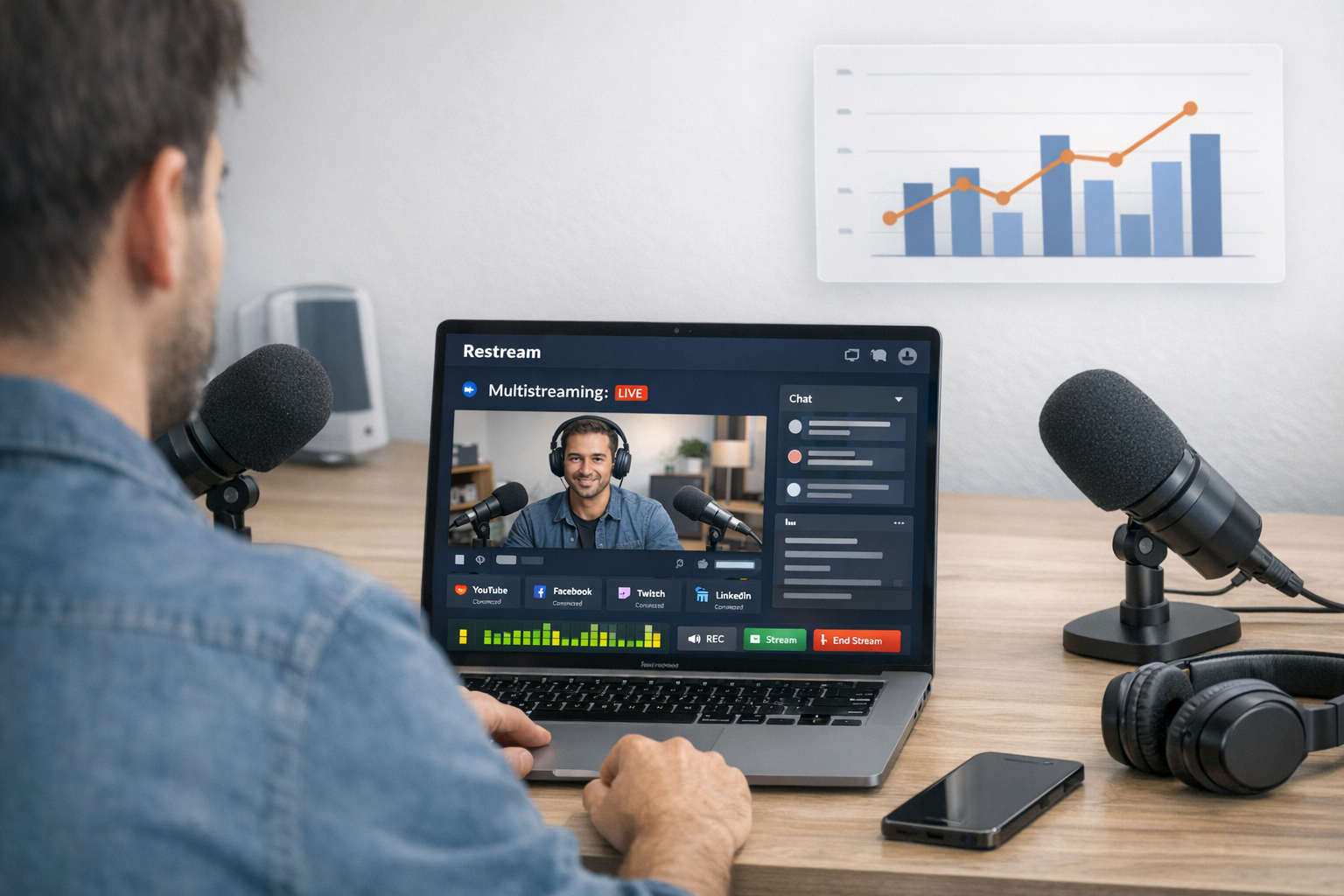
Browser-based studios like Restream or StreamYard have changed how this works. You can record solid video straight from your browser, without dropping thousands on kit or dragging in a production crew. Tools like Restream’s browser-based studio are useful here because they remove friction at the very first step: one clean recording you can actually reuse.
What makes these tools useful for repurposing isn’t magic. It’s the mix of simple and practical. You can multistream to different platforms at the same time and still get a clean main recording you can reuse later.
Multistreaming pulls its weight in two ways when you’re repurposing video step by step. One, it gets your video seen in more places straight away. Two, you get live reactions and responses you can use to shape what you repurpose next.
Quality matters more than most people want to admit. Clear audio, lighting that lets people see your face, and a screen that isn’t visually chaotic. Do that and you’ve got a source video you can slice into pretty much anything.
When you’re planning how to repurpose one video into a week of content, keep these basics in mind:
- Record at at least 1080p, even if you shrink it later
- Use a simple background that doesn’t steal attention
- Frame yourself properly, not rammed up close, not miles away
- Check your audio before you go live
- Wear solid colours that stand out from the background
The aim isn’t perfection. It’s clean and usable. When the original recording is solid, repurposing turns into a tidy job instead of a repair mission.
And remember, repurposing starts before you hit record. A clear structure with defined talking points makes pulling out short clips and posts later much easier.
Let the AI do the clipping (you are not a video editor)
The fastest way to turn one video into a week of content is to stop thinking you need to be a video editor. You don’t. Honestly. The days of dragging a timeline back and forth, hunting for “the perfect bit”, are done. AI tools now handle the hard graft for you.
The magic of AI video assistants
Upload your long‑form video to something like Opus Clip or Vizard and let it get on with it. Tools like Opus work well here because they replace the awkward middle bit most people get stuck in: scrubbing timelines, second‑guessing clip choices, and fiddling with formats. The tool scans your video and pulls out the strongest moments automatically. It’s not chopping things up at random. It’s looking for clear statements, energy changes, and natural pauses—stuff you’d probably miss while staring at an edit screen.
What actually makes these tools useful in a step‑by‑step repurposing process is this:
- They format clips correctly for each platform (square for Instagram, vertical for TikTok/Reels)
- They add captions that track the speaker properly
- They suggest hooks based on what you actually said
- They create multiple usable versions from one upload
- They save hours you’d otherwise waste editing
Focus on quality over quantity
The goal isn’t 50 forgettable clips. That’s not clever. The sweet spot is usually 3–5 strong segments that land your point and say something worth hearing. That keeps your repurposed content tight, clear, and manageable without flooding your feed or your schedule.
These AI tools don’t just save time. They also give you distance from your own work. They often pull out moments you didn’t clock as strong at the time. That outside view helps you turn one video into several posts, each with a clear job and a reason to exist.

Turn Your Transcript into a Blog Post (With Better Structure Than Your Video)
Let’s be honest about repurposing video into written content. One good video can carry a week of content if you turn the transcript into something people actually want to read. Raw transcripts are a mess. Verbal padding, half-finished thoughts, and zero structure make them fine for audio but painful on the page.
Creating Structure That Serves Readers Better Than Your Video Did
A video can wander and still work, but a blog post can’t. When you’re repurposing video content step by step, the transcript is your starting point, not the finished article.
Here’s how to turn that transcript into written content that earns its keep:
- Use AI tools like ChatGPT or Claude, but tell them exactly how you think and write.
- Ask for clear headings, bullet points, and takeaway sections you never said out loud.
- Get two versions: one proper blog post and one tighter email version.
- Pull out strong lines that can stand alone as social posts.
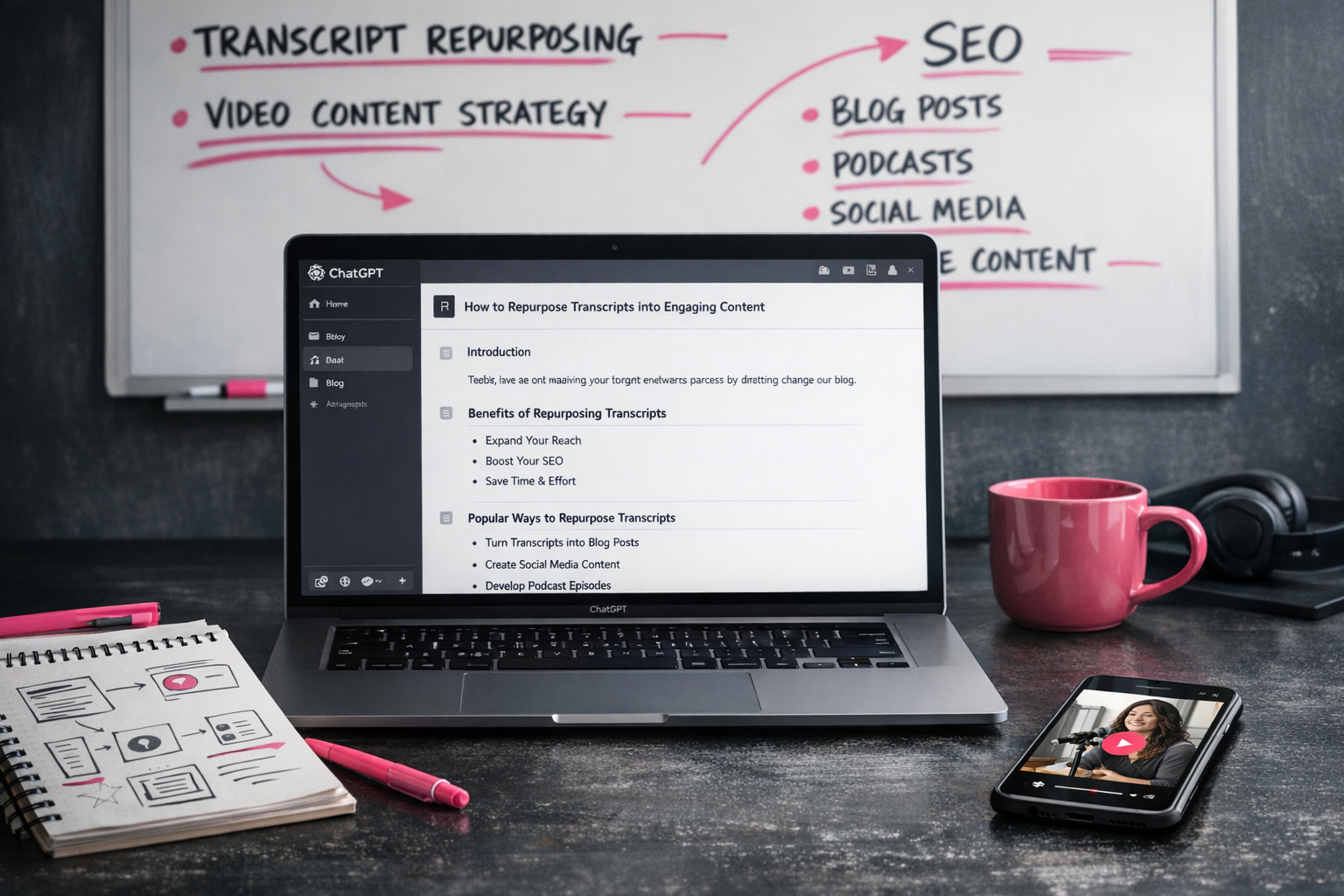
Descript makes getting the transcript painless. The value comes from what you do next. A solid video content repurposing strategy means giving AI clear instructions about your voice and the structure you want. Otherwise, you’ll get fluff.
Crafting Prompts That Deliver Results, Not Mush
Most people copy and paste a transcript into ChatGPT, hit enter, then wonder why the result is dull and generic. That’s not the tool failing; that’s the input.
A good prompt is specific. Very specific. For example: “Turn this transcript into a structured blog post with H2 headings every 300–400 words, bullet point summaries, and action steps at the end of each section. Keep my conversational tone. Cut filler words and tangents.”
That’s how you turn one video into multiple pieces of content that actually do different jobs. Same message, different formats. And done properly, the blog post can deliver the value faster than the video ever could, especially for readers who skim before they commit.
Put it all on autopilot, without disappearing into a tech stack hellhole
Learning how to turn one video into a week of content does not need a marketing degree or a pile of subscriptions. I’m showing you a stripped-back system that works for busy business owners, not full-time content people with endless hours.
The minimal viable repurposing workflow
Here’s the clean process that turns one recording into multiple bits of content:
- Record your main video once, live or pre-recorded
- Pull out 2–3 short clips using a tool like Opus Clip
- Generate a transcript and use AI (ChatGPT or Claude) to shape it into an email or blog post
- Schedule everything in your usual posting tool
- Done. You’ve just made a week of content from one video
The power of this approach is how simple it is. You don’t need fourteen tools or a colour-coded project board. You need a calendar slot and a process you can repeat without thinking.
Repurposing is not just for people who call themselves “content creators”. This is how service businesses stay visible between client work without frying their brains. The work you’re already doing deserves to show up in more than one format.
What makes this different is you’re not trying to be everywhere. You’re taking one video and using it in a few smart ways that actually support your marketing, not clutter it.
When you set this up, keep the stack tight. One recording tool to keep the capture clean (Restream works well here), something to handle shorts without manual editing (Opus), an AI tool for the written bits, and your email platform or blog. That’s enough.
This works because of consistency, not cleverness. Block 90 minutes once a week to record, sort, and schedule. Then stop. Your content is handled.
Next time you’re about to hit “record”, keep this system in mind. One solid video can carry your whole content calendar if you do it on purpose. Try it once, see how much time you save, and you’ll stop creating everything from scratch without looking back.

Sources:
“GWI Social Media Engagement Report” (GWI, 2025)