
You’ve got a Facebook profile that’s supposed to be working for you. So why does your banner look like it was designed in 2019 and then forgotten? Most people set a Facebook banner photo once and treat it like a tattoo. Permanent, unchanging, there whether it serves them or not. But here’s what I’ve learned: your banner doesn’t have to be static. When I switched my banner to a photo from speaking on stage with Steven Bartlett, it became proof of credibility the moment anyone landed on my profile. That’s not decoration. That’s strategy.
The truth is, when you want to switch your Facebook banner photo for an event, a launch, or a moment worth proving, your banner becomes the first thing people see. It’s prime real estate. And most people are wasting it by leaving it locked into something permanent when they could be rotating it to whatever’s actually worth promoting right now.
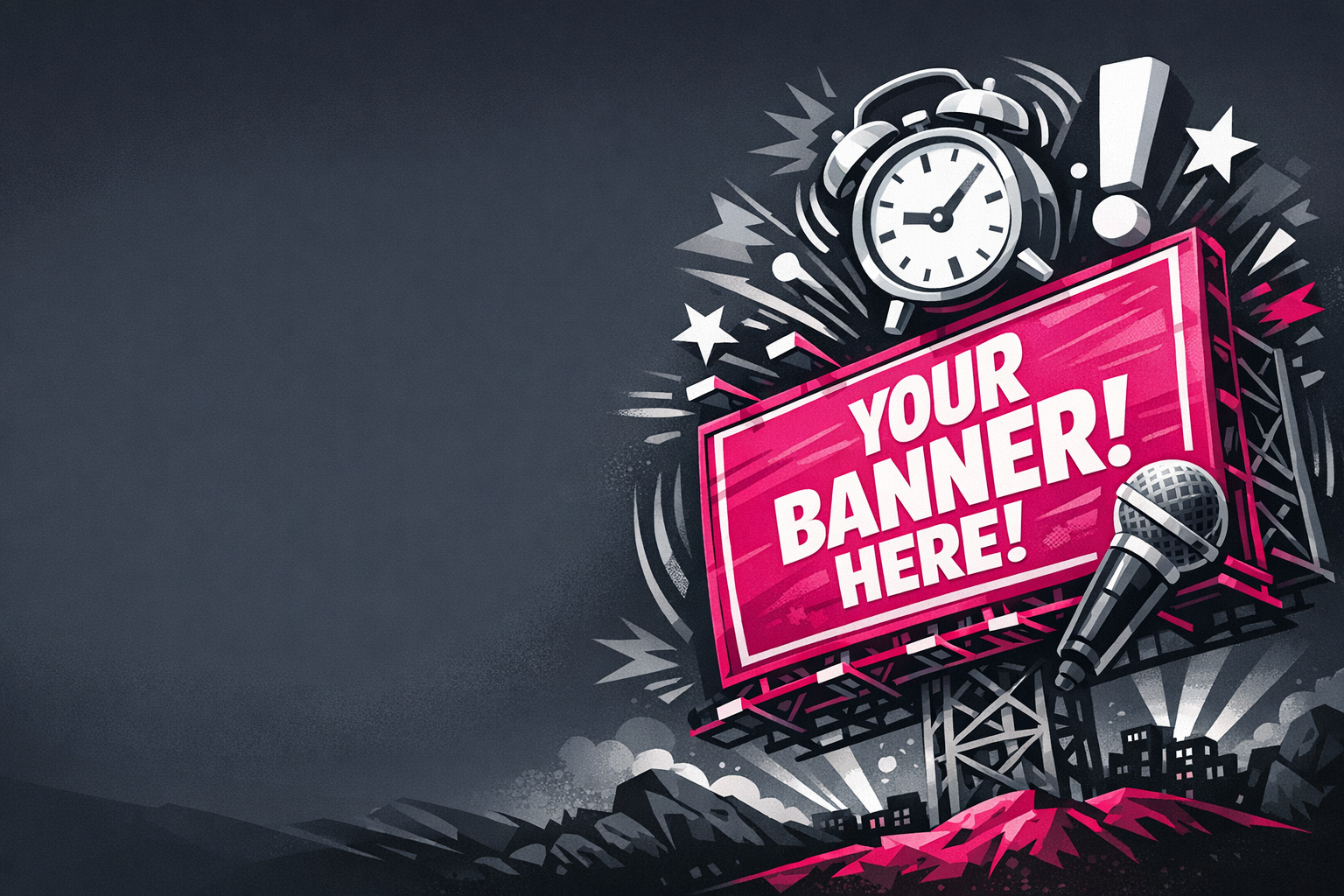
In this article, I’m walking you through exactly when to change your Facebook cover photo, how to do it without losing your original, and the timing that actually works. Your banner’s a rotating billboard, not a fixture. Let’s use it like one.
TL;DR for the Impatient Nugget Seekers
- Your banner’s wasted if it’s permanent. Treat it like a rotating billboard. When you’ve got something worth promoting, like an event, social proof, or a launch, that’s when you change it. When the moment passes, swap it back.
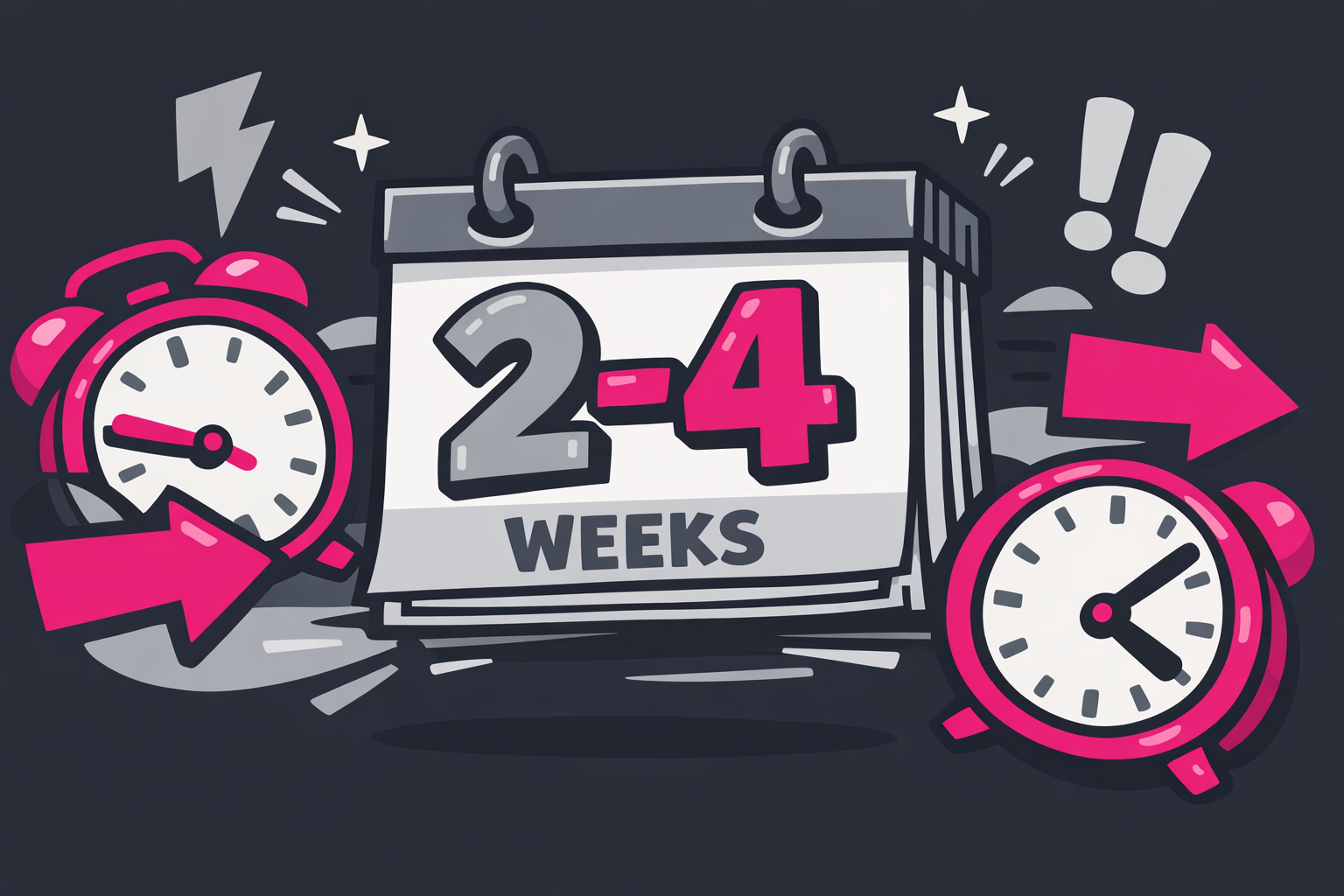
- Time it right: 2-4 weeks before launches, immediately for social proof. Switch too early and people scroll past it seventeen times before it matters. Switch too late and you’re promoting something that’s already happened.
- Social proof moments hit different. A speaking gig, a partnership, a collaboration? Get it on your banner the day it goes live. Keep it up for 2-3 weeks while that credibility’s fresh. Then rotate it out.
- Changing your banner takes 30 seconds and costs you nothing. Download your current banner first (right-click, save image as). When you want to swap, click “Update cover photo”, upload the new one. Your original’s safe in your Downloads folder.
- The real question isn’t how often to change it. It’s whether what’s on there is worth your audience’s attention right now. If yes, get it up. If no, move on.
Right, let’s get into it.
Your banner photo is a rotating billboard, not a permanent fixture
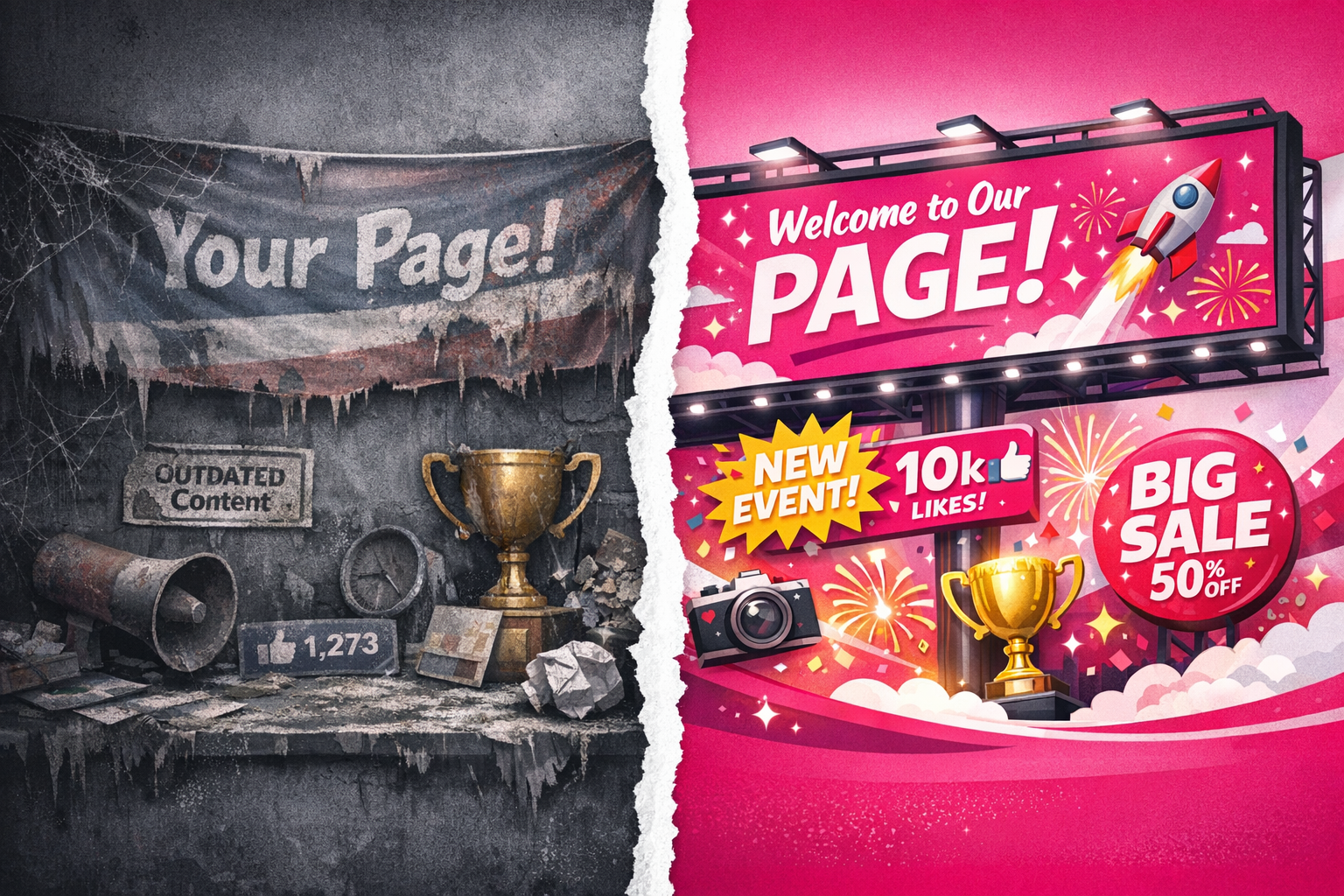
Most people set a Facebook banner photo once and then forget it exists. It sits there for months, sometimes years, collecting dust while your profile keeps evolving. But here’s what actually works: your banner is prime real estate, and treating it like a permanent fixture is leaving opportunity on the table.
Think about when you should actually switch your Facebook banner photo. The moment you’ve got something worth promoting, that’s your signal. A new offer. An event you’re hosting. A speaking gig that positions you as credible. Social proof that proves your chops. These are exactly the times when your banner becomes a weapon in your lead generation arsenal.
I switched my banner to a photo from when I spoke on stage with Steven Bartlett. Not because it looked nice. Because it served a purpose. It was proof. Anyone landing on my profile saw immediately that I’d shared a stage with someone with serious reach and credibility. That photo worked harder than any static banner ever could have.
The rotating billboard approach
A rotating Facebook banner image isn’t a design trend. It’s a strategy. Your banner appears at the top of your profile every single time someone visits. That’s eyeballs on something you control. Why would you waste that real estate on something that isn’t actively serving you right now?
When you’ve got something worth promoting, your banner becomes the first thing a visitor sees. An event happening next month? Get it on the banner. A recent win that proves your expertise? Put it there. A partnership or collaboration that adds credibility? Swap it in immediately. Then, when that moment passes, you change it again.
Knowing when to change your Facebook cover photo
The practical question is: when exactly do you update? I think of it in seasons. Launch season gets a banner. Event season gets a banner. Social proof moments get a banner. When the season ends, you rotate it out.
Don’t overthink this. You’re not locked into anything. A changing Facebook banner photo isn’t confusing to your audience. It actually signals that you’re active, moving, doing things worth announcing. The people visiting your profile expect to see you evolving.
The trigger moments to switch your banner
Here’s the thing: your banner doesn’t change randomly. There are specific moments when swapping it becomes your competitive advantage. These are the situations where your banner actually does the heavy lifting in your funnel.
When you’re launching something time-sensitive
A live event, a workshop, a webinar with limited spots. These moments demand visibility. You’ve got a window, and it’s closing. Your banner becomes the announcement that hits every single person who lands on your profile. I’m not talking about burying the event in a post caption. I mean making it impossible to miss because it’s the first thing they see.
The urgency works. Someone visits your page to check you out, and boom. There’s your event staring them in the face. They don’t have to scroll. They don’t have to search your timeline. It’s there, it’s timely, and it creates friction that pushes them toward action.
When you’ve got social proof worth proving
Speaking on stage with someone credible. A collaboration with a recognisable figure. A media mention. A partnership that raises your authority. These moments are gold, and they’re temporary. The relevance window isn’t forever.
Switch it in when the moment is fresh. Switch it back when the moment fades.
Promoting a limited-time offer or signup window follows the same logic. Early-bird pricing. A limited cohort. A seasonal service. These create urgency, and your banner amplifies it.
When you’re announcing a new product or service
You’ve built something. You’ve launched it. The first days and weeks are critical for visibility and sales momentum. Your banner becomes part of that launch strategy. It tells everyone coming to your profile that something new is happening.
This isn’t about keeping it there forever. It’s about making noise during the period when it matters most. Once the launch window closes, you rotate it out. But while you’ve got momentum, you use every asset you have.
The pattern here is simple: scan your calendar for high-stakes windows. Events. Launches. Partnerships. Social proof moments. Promotions. When any of these are active, ask yourself: does my banner reflect what’s actually happening right now? If not, change it. If nothing’s active, leave it as is.
How to make the swap without losing your original banner
Here’s the friction point I see most often: people don’t switch their Facebook banner photo because they’re worried they’ll lose the original. They imagine faffing about in settings, panic that they’ll delete something permanently, and decide it’s not worth the hassle.
It’s not. The process takes 30 seconds, and your original banner is completely safe.
Before you change anything, download your current banner to your device. Go to your Facebook profile, right-click the banner image, and select “Save image as”. Name it something useful like “Facebook_Banner_Original_2026” so you know exactly what it is. That’s it. You now have a backup.
When you’re ready to swap, go to your profile picture section and click “Update cover photo”. Choose your new image from your computer or upload it fresh. Facebook replaces the old one instantly. Your life doesn’t change. Your original banner sits safely in your Downloads folder.
When the event ends or the campaign finishes, you do the same thing in reverse. Click “Update cover photo”, select your original banner from your files, upload it. Done. Your profile looks exactly as it did before, and nothing’s been lost.
Why this matters for your lead generation strategy
Your Facebook profile is part of a bigger system. I cover all five parts of your profile funnel in my guide How to Turn Your Facebook Profile Into a Lead Generation Funnel, including how your banner works alongside your description, your pinned post, and your call-to-action button to move people through your funnel.
The banner’s just one piece, but it’s the piece people see first. When you remove the mental friction around changing it, you unlock a powerful tool. You’re no longer locked into a single banner forever. You can test what works. You can capitalise on moments. You can be strategic instead of static.
Make the switch reversible from the start
Keep your backups organised. When you update your banner, save the new one too. This way, you can rotate between banners without hunting through old files wondering which version you used.
If you want to dig deeper into how your entire profile works as a lead generation machine, The Facebook Profile Audit walks you through the Stalk Test to see what visitors actually see when they land on your profile, the Clickable Description Hack to make every word count, and the Viral Switch checklist to turn casual visitors into people who actually click through to your funnel.
Your banner doesn’t have to be permanent. It’s a rotating billboard. Treat it like one.
The window for switching: timing matters more than you think
The 2-4 week rule for launches and promotions
Here’s what I’ve learned: switching your Facebook banner photo for an event too early creates banner fatigue. Your audience sees it, registers it, then scrolls past it seventeen times before the actual thing happens. The impact flattens. You lose the urgency you’re trying to build.
Switch too late and you’re promoting something that’s already begun or already sold out. That’s just noise.
The sweet spot is 2 to 4 weeks before a time-sensitive event or promotion. This gives people enough notice to act without letting the announcement go stale. You’ve got their attention when it matters.
Count backwards from your launch date. Mark that window in your calendar. When you enter it, that’s when you change your banner photo. Not before.
Social proof moments are different
Speaking engagements, media features, award nominations, collaboration announcements. These are proof moments. You want to capitalise immediately.
Switch your banner the day the announcement goes live. Keep it up for 2 to 3 weeks while that credibility is still fresh and top-of-mind. People visiting your profile in that window see evidence of your authority right away. It works.
After that window closes, you’ve had your moment. Swap it back or rotate to whatever comes next.
Ongoing offers need a different rhythm
Not everything you promote has a deadline. If you’re selling something that’s always available, you’re working with different mechanics.
Reassess your banner weekly. Look at your analytics. Are people clicking through to your links? Are new visitors converting? If your current banner’s doing the job, keep it. If engagement is dropping, it’s time to swap.
You’re not locked into anything. That’s the whole point of thinking of your banner as a rotating billboard rather than a permanent installation.
The real timing question
Every banner change should answer one question: is this worth your audience’s attention right now?
If yes, get it up there. If no, move on. Your banner is real estate, and real estate is always about location and timing. You wouldn’t rent a billboard for an event that happened last month. Don’t let your banner do that either.
The discipline isn’t in changing more often. It’s in changing with intention. When you know the window, you stop guessing.