
You’ve just updated your Facebook banner. It’s crisp, on-brand, perfectly designed for your launch. You hit save, walk away, and absolutely nothing happens.
No engagement, no bump, no point. You assume the banner just sits there looking pretty while you wait. Here’s what most business owners don’t realise.
When you update your banner photo and add copy to the description field, Facebook publishes it as a native post in your followers’ feeds. That’s how you turn your Facebook banner into a promoted post, and most people have no idea they’re sitting on it. I’ll walk you through the mechanic, when to use it, and the copy formula that makes people click.
TL;DR for the Impatient Nugget Seekers
- Banner alone doesn’t trigger a post: updating just the image is silent. You need copy in the description field to get Facebook to publish it as a feed post.
- Your description becomes the caption: that text lands as the post caption in followers’ feeds, with your banner image full width above it.
- Time-sensitive wins here: events, launches, seasonal pivots, social proof. This mechanic is strongest when people need to act now, not eventually.
- Use the Hook, Specificity, CTA formula: pattern interrupt first, details second, time-bound or value-bound ask third. Leave the banner up for 3 to 5 days so it breathes.
- Generic copy kills momentum: don’t swap your banner daily and don’t post vague urgency. The copy has to stop the scroll and name what you’re offering right now.
Right, let’s get into it.
Your Facebook banner update is a native post in the feed
Most people treat their Facebook banner like a static billboard. You upload an image, it sits there, and that’s it. You’re leaving money on the table.
Here’s what I’ve noticed. When you update your banner photo and add copy to the description field, Facebook doesn’t just file it away. It publishes that as a native post in your followers’ feeds.
Your banner becomes a free promoted post every single time you change it. That’s what it means to turn your Facebook banner into a promoted post, and most people have no idea they’re sitting on it.
The description text becomes the post caption. So if you’re launching something, running a promotion, or building social proof, your banner isn’t a static decoration anymore. It’s a content distribution channel you weren’t using.
I go deeper on the full profile funnel in How to Turn Your Facebook Profile Into a Lead Generation Funnel, but this specific mechanic is such a quick win that it deserves its own focus. Most people do zero with their banner description field, which means they’re doing half the work and getting none of the results.
What most people get wrong about the Facebook banner description
The banner description field exists. Most profiles leave it blank or use it for something forgettable like “business owner” or “follow for updates.” That’s the mistake.
When you leave that field empty, you’re not losing anything. But when you fill it with intent, a call to action, a time-sensitive offer, social proof, or a link, you’re triggering a post that lands in real time on real feeds.
People don’t just see your banner when they visit your profile. They see your message in their feed.
How to turn your Facebook banner into a promoted post
Start by treating it like a real post. What would you want people to do right now? Sign up for something, attend an event, check out new content, visit a link?
Write your description with that single action in mind. Keep it short, specific, and benefit focused. Include a link if it makes sense.
Hit publish on the banner, and watch it appear in the feed. Then change it again when you have a new offer, event, or message.
What actually gets published (and what doesn’t)
Here’s where most people get tripped up. You update your banner photo, refresh the page, and nothing happens in the feed. So you assume Facebook isn’t going to use your banner as content. Wrong move.
The mechanic is simple but specific. When you change your banner photo alone (just the image, no description edit), Facebook updates it silently. Your followers see a new banner when they visit your profile, but they don’t get a post in their feed. It’s a profile update, not a published piece of content.
Change that banner photo and update your description text? That’s when Facebook treats it as a native post. It lands in your followers’ feeds with your banner as the image and your description as the caption. From what I’ve seen, this is the core mechanic that turns your banner into a promoted post.
What the post looks like in the feed
When that post hits the feed, followers see your banner image at full width with your description text directly below it. Any links you’ve added to the description become clickable. So if you’re driving traffic to a lead magnet, a webinar signup, or your latest offer, that link is live and ready.
People can like, comment, and share it just like any other post. It shows up in their feed based on Facebook’s algorithm, which means it can reach beyond your immediate followers if it gets engagement. No fancy graphics needed, no separate design work.
You’re using content you’ve already created, your banner, and letting it do double duty.
Why the description is where the magic lives
Without a description, you’re leaving a promotion on the table. I’ve found that even updating your description without changing the banner photo can trigger a post on some profiles, though Facebook’s behaviour here isn’t totally consistent. The safer play is to change both the banner and the description text when you actually want to publish.
This is the difference between a static profile element and an active marketing tool. Your banner stops being decoration and becomes real estate you can use to turn your Facebook banner into a promoted post whenever you need visibility.
When to use your banner as a promoted post
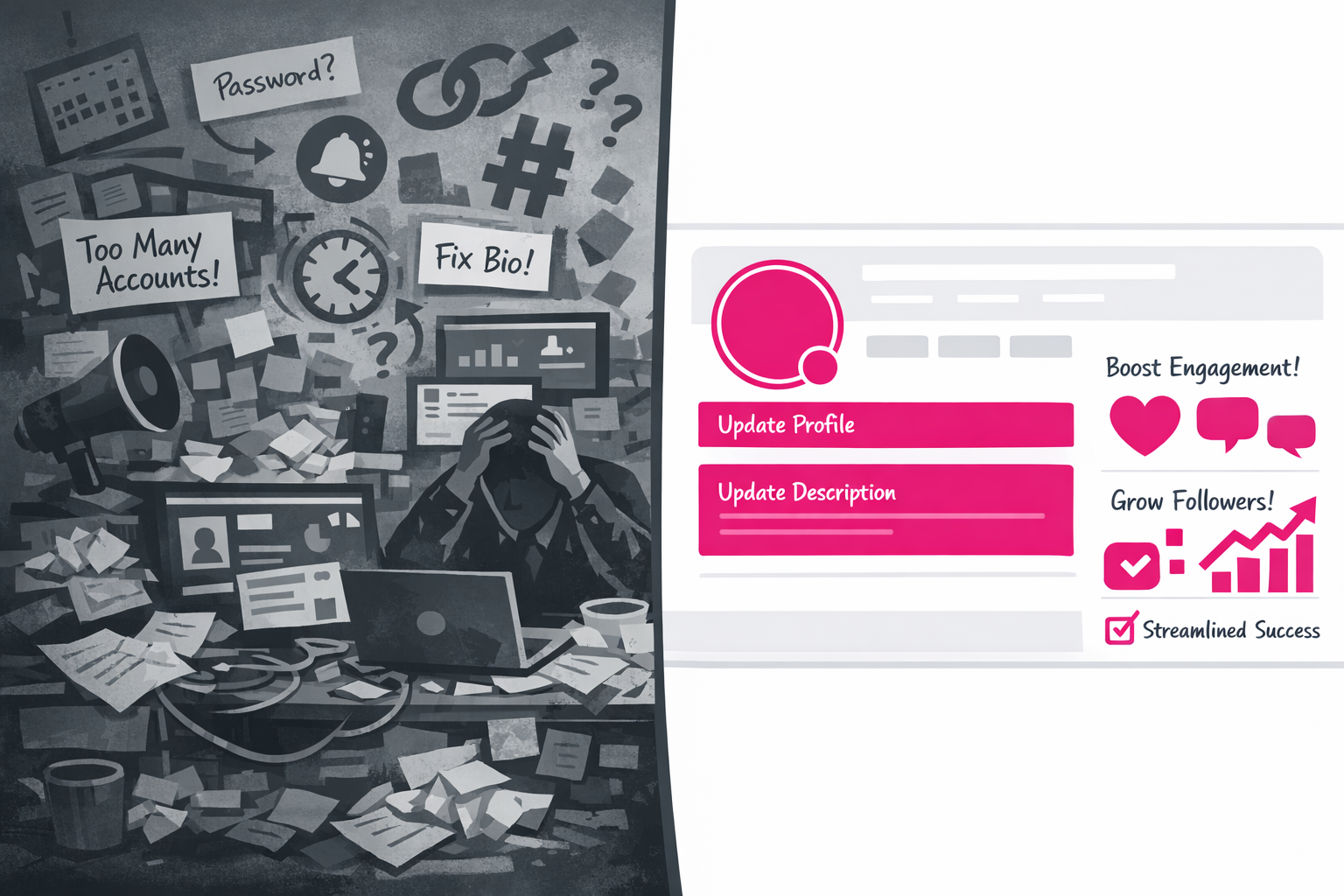
Your banner description field isn’t a footnote. It’s a content slot that hits two audiences at once, the people landing on your profile and everyone following you in their feed. That’s real estate most people waste.
The trick is knowing when this mechanic actually works. You’re not updating your banner to look pretty. You’re updating it because you have something to push right now.
When your banner becomes a sales tool
Time-sensitive offers are the obvious win. Early bird cohorts, flash sales, limited seat workshops. They’ve got built-in urgency. Your banner description becomes the announcement, and the feed post gets it in front of both your followers and your profile visitors before the window closes.
Events you’re hosting or speaking at work the same way. The banner sits visible while you’re promoting, and the feed post does the heavy lifting. You’re stacking visibility across profile real estate and feed reach at the same time.
Product launches and new offers benefit from this too, especially in the first few days. You need that concentrated visibility push. A banner with description copy gives you it without needing to run paid ads or blast your email list again.
Social proof moments deserve real estate. A fresh testimonial, a big guest appearance, a milestone you want people to know about. Drop it in your banner description and let the feed post amplify it. People who land on your profile see proof immediately, and your followers see it in their feed.
Seasonal pivots work here as well. New quarter, new season of your show, new service package. Update the banner, refresh the positioning, and use the resulting feed post to signal that something’s shifted.
What kills the banner post strategy
Weak design makes everything fail. If your banner text is unreadable on mobile or the design is too busy, people skip it. Test on your phone before you publish.
A description with no call to action is a wasted opportunity. Don’t describe the thing, tell people what to do about it. Click the link. Register. Join the waitlist. Be specific.
Changing your banner the next day defeats the point. You got one post out of it, so if you’re going to pivot, commit to it for at least a week so the feed post gets seen. Constant updates feel chaotic and kill momentum.
Promoting something generic doesn’t work either. “New service available” sits flat. “Cohort closes Friday” or “Early bird ends tomorrow” moves people to click. Your Facebook banner advertising strategy works best when you treat it as a campaign, not decoration.
The copy formula that makes it work
Your banner description isn’t a throwaway field. It’s a post dressed up as profile real estate. And it needs copy that stops the scroll.
Here’s the formula I use: hook, specificity, CTA. Three parts. Done.
Hook first
Your first line has to earn the second line. No “we’re excited to announce.” No soft openings. You’ve got about 60 characters before the read more cutoff, so make it count.
Strong hooks are pattern interrupts or promises. Lines like:
- Your profile is leaving money on the table
- Stop losing leads after the click
- The one banner tweak most people miss
- Three days left to get in
Each of these stops someone mid scroll and makes them want the specificity that comes next.
Specificity second
Now tell them exactly what’s on offer and who it’s for. This is where vague dies.
Instead of “join our event,” write “free workshop on Facebook banner funnels, Tuesday 7pm UK time, limited to 20 people.” Instead of “check out our new thing,” name the thing, the price, the format. Specificity kills objections.
It also signals you’re not desperate. You know your offer, you know who it’s for, you’re naming it. This is where Facebook banner description posts earn their keep, because you’ve got room to teach a tiny bit before you ask.
CTA third, and then timing
Your call to action should be time-bound or value-bound. Urgency works. Clarity on the payoff works.
“Click the link” is weak. “Grab it before Friday” or “Get the checklist” or “Sign up by tonight” is stronger. You’re giving permission and a reason in the same breath.
Link or native? Link to your offer if you’re selling something or hosting an event, or to a lead magnet if it’s the entry point. If you’re sharing pure social proof, keep it native. No link, just the story. People read longer on native posts.
Also, on timing, post when your audience is active and leave it up for at least three to five days. Most people won’t see it in the first 24 hours. The feed post needs time to work and the algorithm needs time to find your audience. A banner that changes every day is noise. A banner that stays up long enough becomes a campaign.
If you want the full profile audit with every slot mapped out, I’ve built the Facebook Profile Audit checklist. It’s a £9 PDF with the stalk test, the clickable description hack, and the full funnel map. Grab it here: The Facebook Profile Audit.