
Why your messy, unedited live video is already perfect podcast material
If you’ve been wondering how to turn one video into a podcast episode without reinventing the wheel, you’re absolutely in the right place.
The truth? You don’t need a soundproof studio, a fancy mic, or a perfectly scripted show to get started. If you’ve already been showing up on video—whether it’s TikTok, YouTube, or a casual Facebook Live—you’ve got podcast gold just waiting to be repurposed.
The Number One Mistake: Overthinking
The number one mistake I see? Overthinking. Too many brilliant creators dive into podcasting with big expectations and too much pressure, then burn out after their second or third episode. It’s no surprise then that 80% of podcasts never make it past episode 10.
But the bar is so much lower than most think. Cordelia’s own lo-fi, live-video-turned-podcast ranks in the top 30% of Spotify shows. Why? Not because of polished flair, but because of consistency and a smart system.
If you’ve got content sitting there—even unedited live streams—you could be podcasting as soon as next week. You don’t need extra effort. You just need a method that trims the fat. That’s exactly what we’re digging into now.

The Simple 3-Step System: Edit, Export, Upload
Let’s simplify this. The goal isn’t perfection—it’s getting your voice (and message) out there without burning your time. Here’s how to convert a video into a podcast with just three steps:
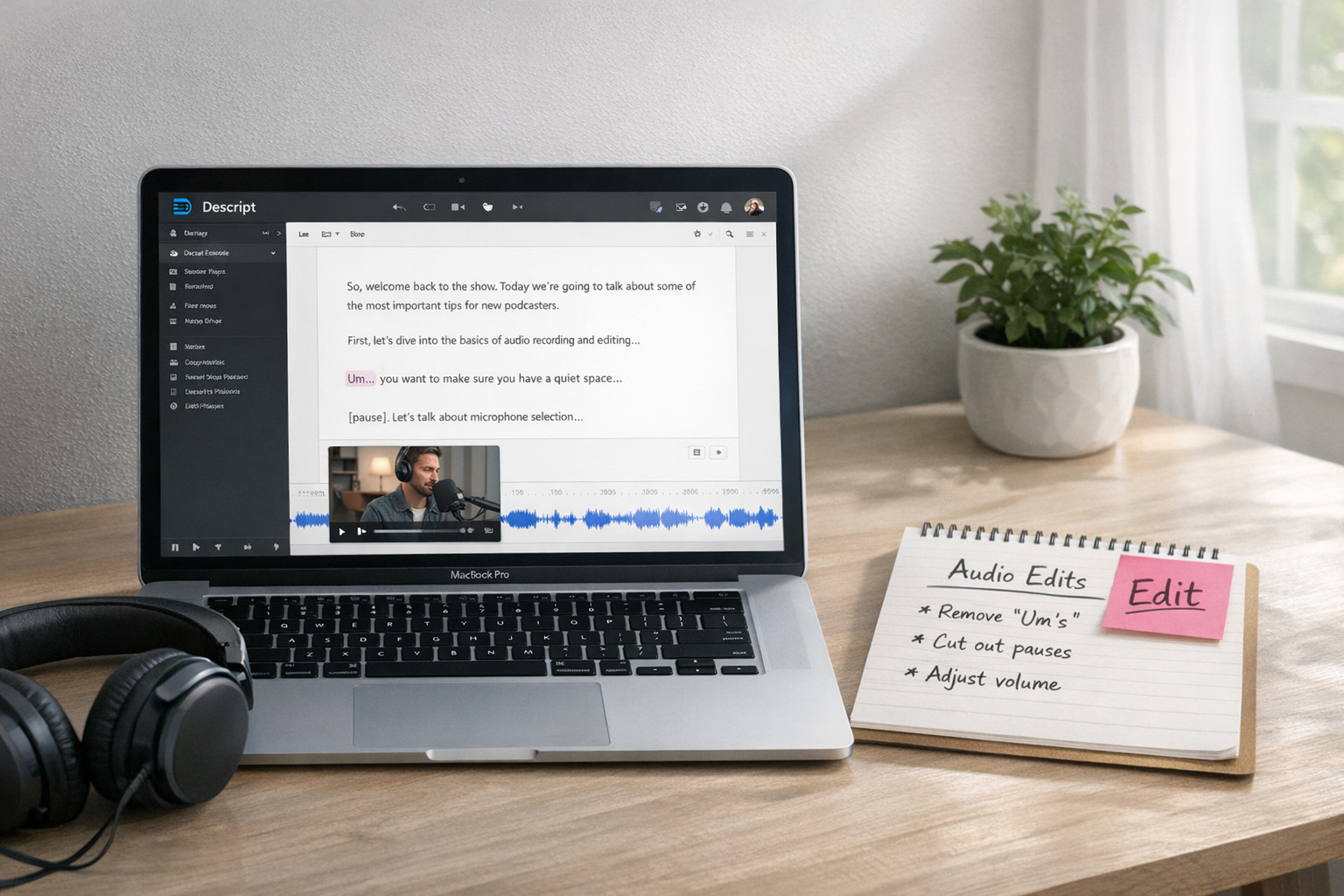
- Edit in Descript – Drop the video into Descript and it’ll automatically transcribe everything. You can trim the boring bits, delete filler words (like “um” or “you know”), and even highlight juicy soundbites—all by editing the text. It’s eerily easy.
- Add intro and outro music – A simple start and end makes your podcast sound intentional. Cordelia recommends Epidemic Sound for finding a track or even just a beat to build on. Store these clips once and reuse them every episode.
- Export with the right settings – Inside Descript, you can set the export to podcast-perfect audio. No extra audio tools needed. You’ll get clean sound that won’t crackle or distort once uploaded.
This system isn’t flashy—it’s functional. It means you’re not fussing for hours over an edit. You’re just upgrading what you’ve already made into a bingeable audio experience.
Ready to try? Start with your latest video and test it inside Descript. You might be surprised how easy it feels when the transcript does the heavy lifting.
Where and How to Upload Your Podcast Once It’s Ready
Once your podcast episode is edited and exported, it’s time to send it out to the world. And no, you don’t need separate accounts or fancy feeds for Spotify and Apple.
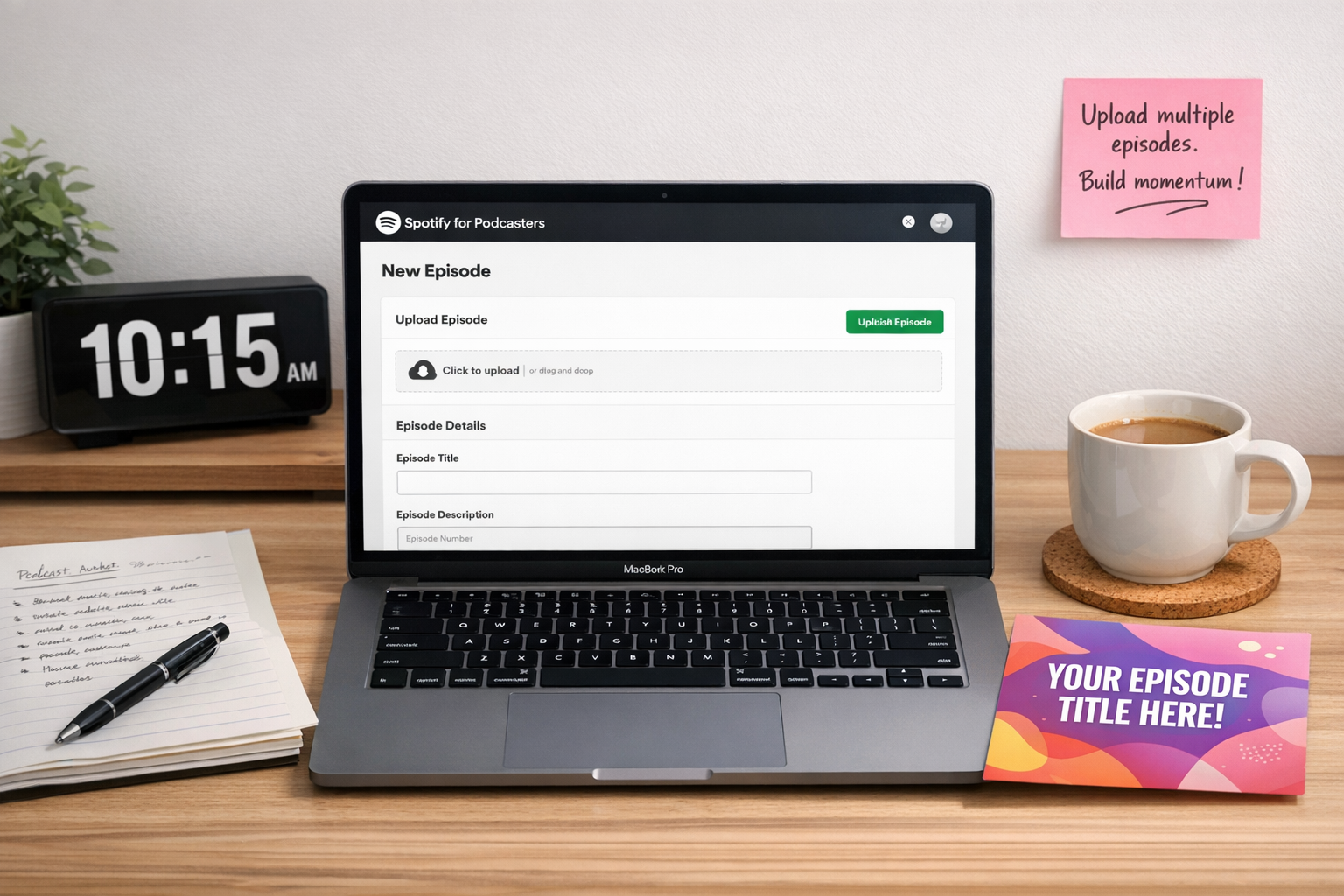
Use Spotify for Podcasters (previously Anchor). It’s free, beginner-friendly, and most importantly, it spreads your podcast automatically to top platforms like Spotify, Apple Podcasts, and YouTube (which has now taken over Google Podcasts).
Here’s How to Streamline Your Upload:
- Copy-paste your podcast description using a repeatable prompt in ChatGPT (Cordelia has a trusty one for crafting summaries plus calls-to-action quickly).
- Use a simple artwork template in Canva. Slap in the episode title, and you’re done—no guesswork each time.
- Upload at least three episodes on launch day. This gives new listeners enough to binge and builds early momentum.
Uploading doesn’t have to be techy or gloomy. It can be click-and-go, especially if you’ve built your assets in advance.
Explore how Spotify for Podcasters makes your first upload feel like less of a tech mountain.
Forget Flawless Audio — Welcome to the Era of Video-First Podcasting
There’s still this idea floating around that to podcast, you need broadcast-quality audio with no background noise and no room echo. But let’s be honest—that’s no longer true.
As platforms like Spotify and YouTube roll out more features for video podcasts, the whole game is shifting. Audiences are more forgiving, more visual, and more interested in personality than polish.
So yes—your raw video content is enough. Many creators are now simply repurposing their live-streams, TikToks, and YouTube clips into podcast episodes without any extra recording. And it works.
Embracing the New Norm
With video + audio becoming the new norm, done is definitely better than perfect. And if your audio isn’t pristine? No biggie. It won’t stop listeners from tuning in—especially if your message is on point.
Using a tool like Descript helps clean up just enough to make your episodes sound intentional. You don’t need to scrub every cough. The goal is connection, not cinematic production.
Take Action
Jump in with what you’ve got. Repurpose video for podcasting, and you’ll be way ahead of the creators still stuck in overthinking mode.

Tools Cordelia Actually Uses to Repurpose One Video into a Podcast Episode
Don’t worry—I’m not going to throw dozens of apps at you. These are the actual tools Cordelia uses to keep her podcast flowing with minimal effort:
- Descript – The hero tool. Turns your video into editable text, strips filler words, corrects mistakes with AI voice, and exports crisp audio in podcast-ready format. Try Descript if editing has ever held you back.
- Epidemic Sound – Royalty-free music library where you can isolate stems (like drums or piano) to build a unique intro/outro jingle. Start here if your podcast needs a little extra polish.
- Spotify for Podcasters – One upload, many destinations. Hosts and distributes audio and video podcasts for free. Perfect if you’re short on time or patience.
- Canva – Use templates to drop in updated titles each week without starting from scratch. Great for staying visually consistent without designing from zero.
- ChatGPT + Cordelia’s prompt – Pulls your transcript into a polished podcast description with CTA and summary. Preps your content in minutes instead of hours.
You’ve already done the hard bit—creating the content. These tools just shape what’s already there.
Ready to skip the editing overwhelm? Descript and Spotify for Podcasters make a great starting pair.

Want help building a content system like this for your business?
If the thought of doing this every week still feels like a stretch, don’t worry—you’re not alone.
Lots of coaches and creatives are stuck in the cycle of feeling like they always need to create more, post more, show up more. But what if one live video each week could become your podcast, your social clips, your blog—and more?
Turning Existing Content into a Full Content System
That’s exactly what Cordelia helps with: turning your existing content into a full content system. With SOPs. With room to hand things off. And without burnout.
Let’s be honest, you don’t need more content ideas.
You need a system that works the way you do.
If anything here sparked a “finally, something I can action,” feel free to DM Cordelia about building a system that repurposes what you already have. Not someday—this week.
And if you only remember one thing: you don’t need to start from scratch. Your videos are already enough. Start now.